1
5.4.3 Temperature Inputs
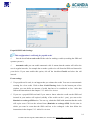
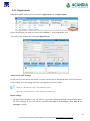
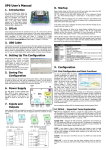
Individual temperature inputs can be set in the Configuration tab of the Temperature Inputs.
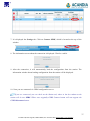
Select which input you want to set and click on More… in the appropriate row.
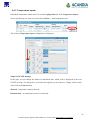
The window Temperature input configuration is displayed.
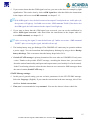
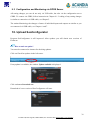
Names in STATE message
In this part you can change the names of individual data, which will be displayed in the sent
STATE message. To change this, overwrite the original text in textboxes. Change will be made
after click on the Save button.
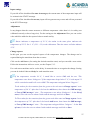
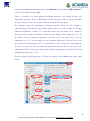
Shorted – temperature input is shorted.
Disconnected – no temperature sensor is connected.
26
ACANDIA AB, Vintervägen 2B, 13540 TYRESÖ, Tel: +46-8-52 22 40 30, [email protected], www.acandia.se