1
Building the Tree Diagram
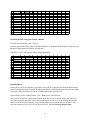
1.
Start with a new worksheet. (If no workbook is open, choose File | New. If a workbook is open,
choose Insert | Worksheet.)
2.
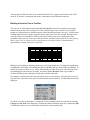
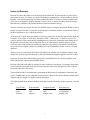
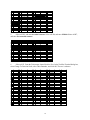
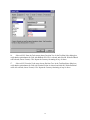
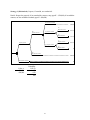
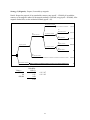
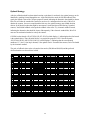
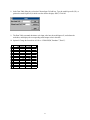
Select cell A1. From the Tools menu, choose Decision Tree. In the TreePlan New dialog box,
click the New Tree button. A decision node with two branches appears.
A
1
2
3
4
5
6
7
8
9
B C
D
E
F
G
Decision 1
0
0
0
1
0
Decision 2
0
0
0
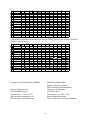
3.
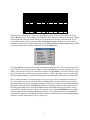
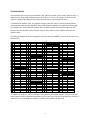
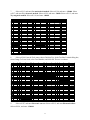
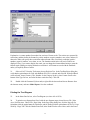
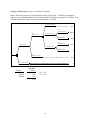
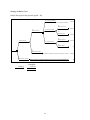
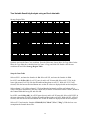
Do not type the quotation marks in the following instructions. Select cell D2, and enter Prepare
proposal. Select cell D4, and enter –50000. Select cell D7, and enter Don't prepare proposal.
A
1
2
3
4
5
6
7
8
9
B C
D
E
F
G
Prepare proposal
-50000
-50000
-50000
2
0
Don't prepare proposal
0
0
0
4.
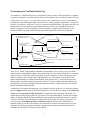
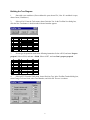
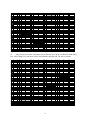
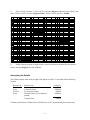
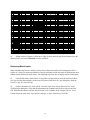
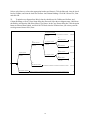
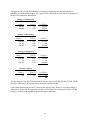
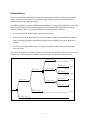
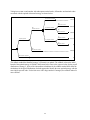
Select cell F3. From the Tools menu, choose Decision Tree. In the TreePlan Terminal dialog box,
select Change To Event Node, select Two Branches, and click OK. The tree is redrawn.
9