1
Output Files – Labeled
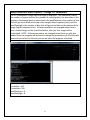
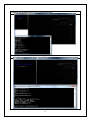
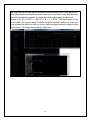
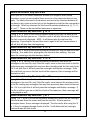
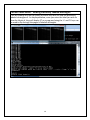
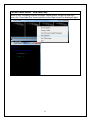
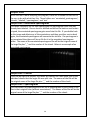
If during the execution of the file, the menu option “Save Tiled Images” was
selected in the Current Labels menu, then for each of the labels, a file (or many)
will be saved that contain a tiled image of the annotations made grouped by the
label. The names of the file will be the original name of the large file plus “_”, the
name of the label, “_” and the number of the page of labels. See below for an
example.
Output Files – Text Files
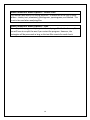
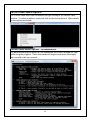
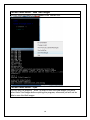
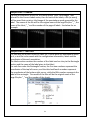
For each wav file or each chunk of a wav file, if there were any annotations saved
on it, a text file is also saved with the configuration information, labels and the
coordinates of the each annotation.
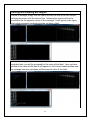
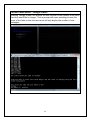
The labels section contains the number of the label used as a key to the Rectangle
section and the name of the label given to that label.
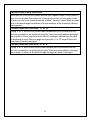
For each line under the Rectangles section, the first two numbers represent the
coordinates of the top left corner, and the third and fourth numbers represent
the coordinates of the bottom right corner, while the fifth number represents the
label of the rectangle. The names of the files will be the original name of the
large file plus “_” and the number of the chunk.
21