1
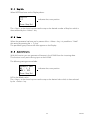
3.1.12 Leader character
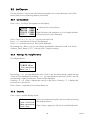
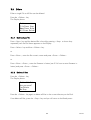
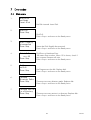
The Display shows:
Leader Character
Feed hole (NUL)
Delete (FF)
Press Step/Sel.
indicates the cursor position
By using the <Step> key you can toggle between NUL (Feed hole) and FF (Delete). Press
the <Select> key to confirm, and you move to the next parameter in the parameter list.
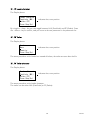
3.1.13 Trailer
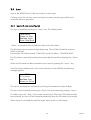
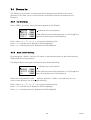
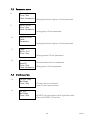
The Display shows:
Trailer
None
Quantity:
Press Step/Sel.
indicates the cursor position
The same procedure as for leader but instead of before, the trailer are sent after the file.
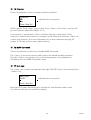
3.1.14 Trailer character
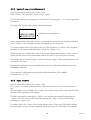
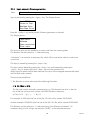
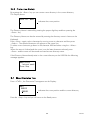
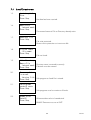
The Display shows:
Trailer Characte
Feed hole (NUL)
Delete (FF)
Press Step/Sel.
indicates the cursor position
The same procedure as for leader character.
The trailer can be either NUL (Feed hole) or FF (Delete).
13
7D9C16a