1
Staff: how to submit a manuscript (proxy author)
You will be required to do this for new manuscripts that are sent in as hard copy or email.
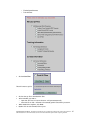
You can do this from the Author task folders on your homepage.
Before you can submit the manuscript you will need to prepare electronic files of all the
manuscript documentation.
When you have all of your electronic files ready:
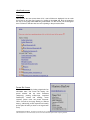
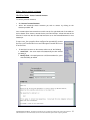
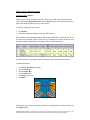
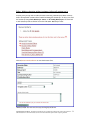
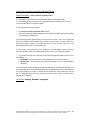
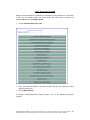
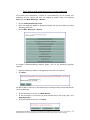
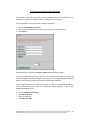
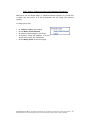
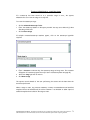
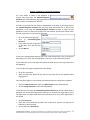
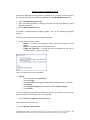
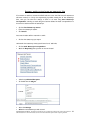
• Click on Submit Manuscript under the Author task folders on your homepage
• Read/Scroll through and click on Continue
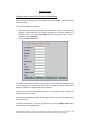
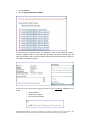
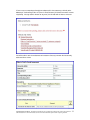
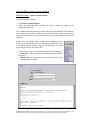
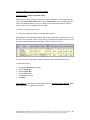
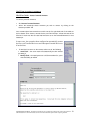
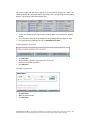
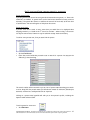
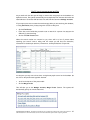
You will be taken to step 1 of 4 of the submission process. This is the manuscript
submission form.
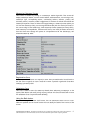
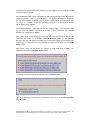
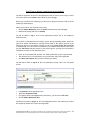
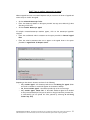
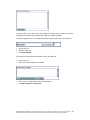
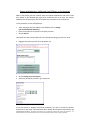
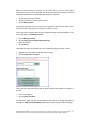
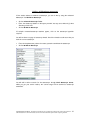
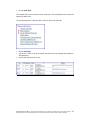
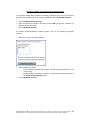
The first line of the submission form asks if you are the Corresponding Author. Select No.
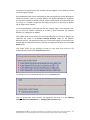
Search for Author information by entering the last name of the Author and click on the
Find Person button. If the Author is found, you can click on Copy Person Info into Form
to automatically fill in the Author’s information. If the Author’s information is not found,
you may Add Person and then search for the person again or you may enter the Author’s
information directly into the submission form.
•
•
•
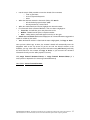
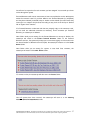
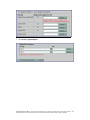
Enter all of the details that you have. The fields marked with (*) are required fields.
The abstract can be cut and pasted from your electronic files, where applicable
Click Save and Continue when you have entered your details.
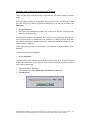
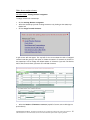
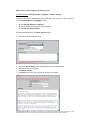
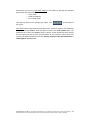
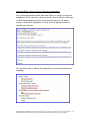
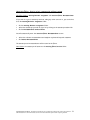
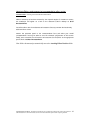
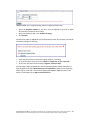
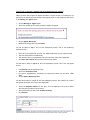
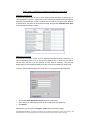
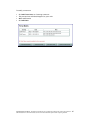
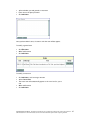
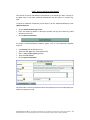
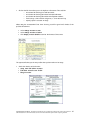
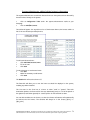
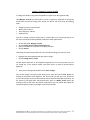
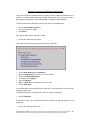
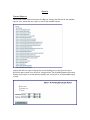
You will now be taken to step 2 of 4 of the submission process. This is the file upload
screen.
•
•
•
•
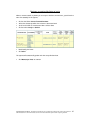
Using Browse find the manuscript files
Select the Document Format
For figures, tables, and supplementary information, you can select a File Title
Click on Submit Manuscript Files
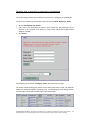
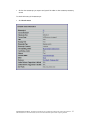
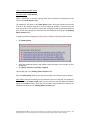
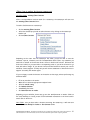
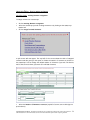
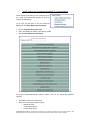
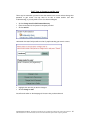
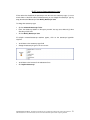
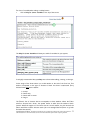
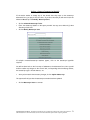
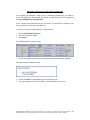
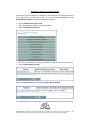
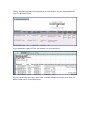
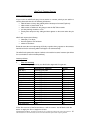
You will now be taken to step 3 of 4 of the submission process. This is where you receive
the manuscript number and create the merged PDF.
CONFIDENTIAL MATERIAL: This manual is intended for use by AllenTrack customers only. Copies can be made for
additional members of the editorial staff. Do not share this manual with anyone outside of your organization.
45