1
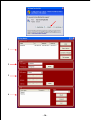
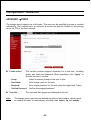
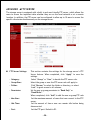
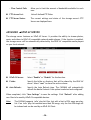
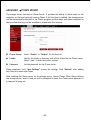
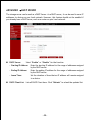
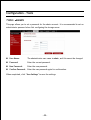
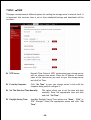
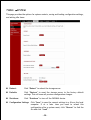
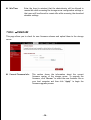
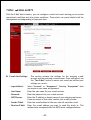
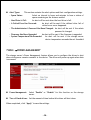
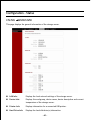
Alert Types: This section contains the alert options and their configuration settings. - Space Status: Select an interval in hours and minutes to have a status of space remaining on the drives e-mailed. - Hard Drive Is Full: An alert will be sent when the hard drive is full. - A Critical Error Has Occurred: An alert will be sent if the defined drive fail of critical error occur happened. - The Administrator’s Password Has Been Changed: An alert will be sent if the admin password is changed. - Firmware Has Been Upgraded: An alert will be sent if the firmware is upgraded. - System Temperature Has Exceeded: An alert will be sent if the storage server device temperature exceeds the set threshold. TOOLS J POWER MANAGEMENT The storage server’s Power Management feature allows you to configure the drives to shut down while power remains constant to the device. The drives will power up again when data is accessed. Power Management: Select “Enable” or “Disable” for this function on the storage server. Turn off hard drives: Set the amount of time before idle drives will shut down. When completed, click “Apply” to save the settings. - 38 -