1
Web Access Management Menu Functions
191
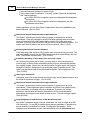
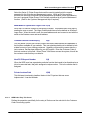
as all numeric, when selecting a Web User code, the number that is entered will
automatically be right justified with leading zeros inserted on the left.
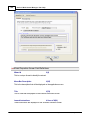
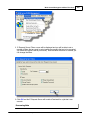
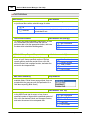
Fields are provided for a user's Secret Question and answer. These will be presented
to the web user to be filled in, the first time that they sign in to the system. These are
used in the logic whereby the user has forgotten their passwords and needs to ask for
an email to be sent to them via ASOW.
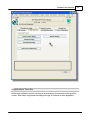
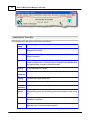
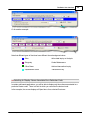
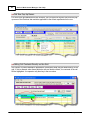
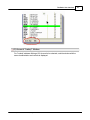
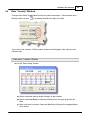
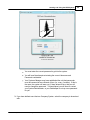
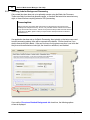
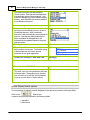
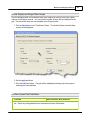
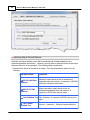
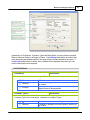
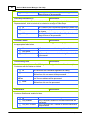
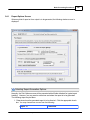
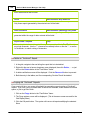
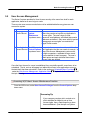
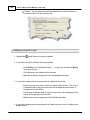
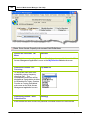
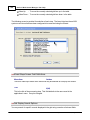
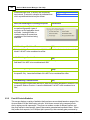
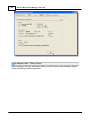
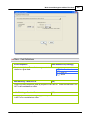
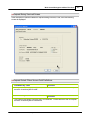
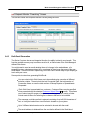
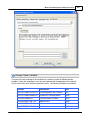
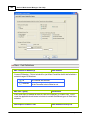
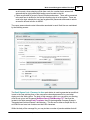
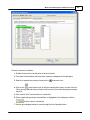
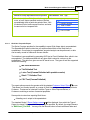
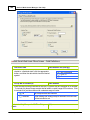
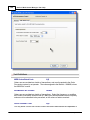
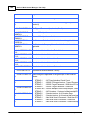
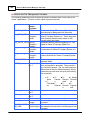
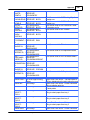
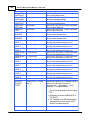
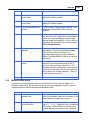
The name, password and contact information associated to each Web User are maintained
by the following screen:
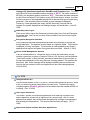
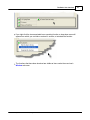
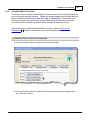
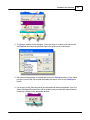
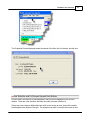
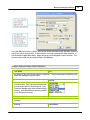
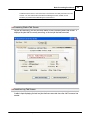
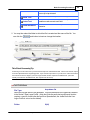
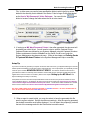
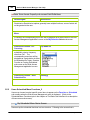
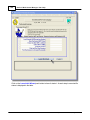
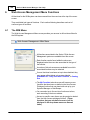
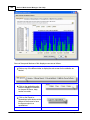
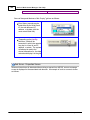
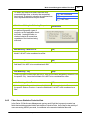
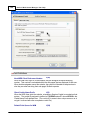
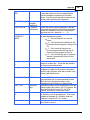
The Email SIgnon Code / Password to User push button is used to generated an email that
is sent to the user advising them of the username code and password to be used when
signing on to the Web system. The body of this message, which you can edit to your likening,
must be set up in a text file named WebUserPword_EmailMessage.TXT that must be
located in the folder named Email-Templates found in the designated Company System's
"Generated and Archived Reports" data directory. This file can be either a simple text file, or
an HTML file and must not contain more that 8192 characters.
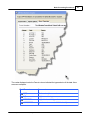
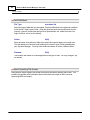
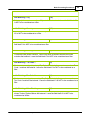
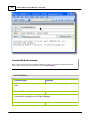
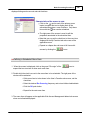
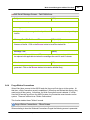
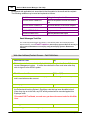
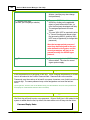
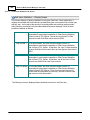
Within the body of the message file, you may include a number of pseudo variables that will
© 2007 - 2014 by Sentinel Hill Software, all rights reserved