1
174
Series 5 Web Access Manager- User Help
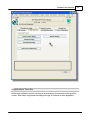
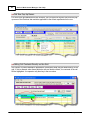
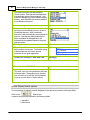
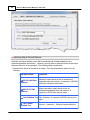
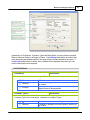
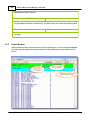
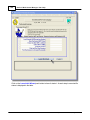
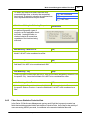
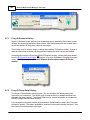
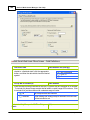
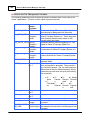
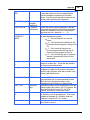
The E-Request Monitor, when launched, is executed as an entirely new task in it's own window. You
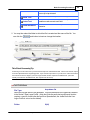
can switch back to the Web Management menu window, exit that, and do whatever you please without
disturbing the E-Request Monitor.
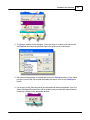
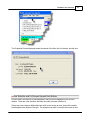
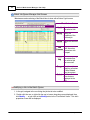
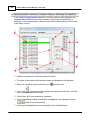
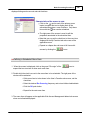
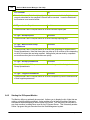
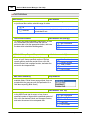
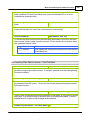
E-Request Monitor "Completed" Screen
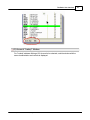
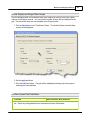
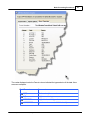
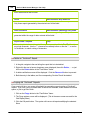
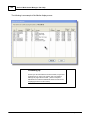
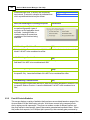
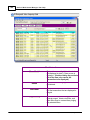
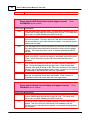
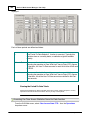
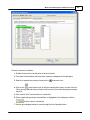
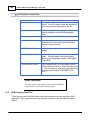
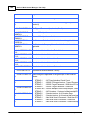
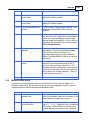
This screen shows up to the last 50 jobs that have been completed.
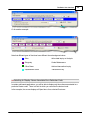
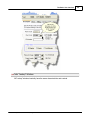
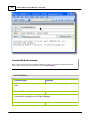
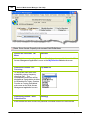
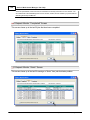
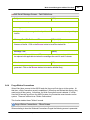
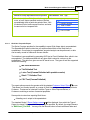
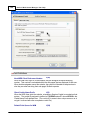
E-Request Monitor "Alerts" Screen
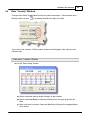
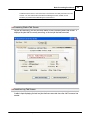
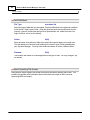
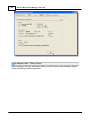
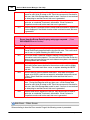
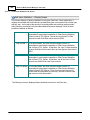
This screen shows up to the last 50 warnings or "Alerts" from jobs that had a problem.
© 2007 - 2014 by Sentinel Hill Software, all rights reserved