1
Phone calls
147
Using Speed dial
Use Speed dial to call a phone number with a single tap. For example, if
you assign a contact’s number to the number 2 key, you can just press and
hold 2 to dial the number.
The number 1 key is reserved for your voicemail. Press and hold
this key to call voicemail and retrieve your voicemail messages.
Assigning a speed dial key
1.
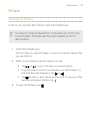
Open the Phone app.
2.
Tap
> Speed dial >
.
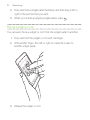
You can also press and hold an unassigned key on the dialpad, and
then tap Yes.
3.
Select a contact from the list.
4.
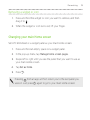
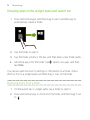
On the Speed dial screen, choose the phone number of the contact
to use, and a speed dial key to assign.
5.
Tap Save.