1
Your first week with your new phone
57
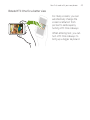
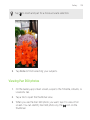
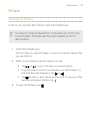
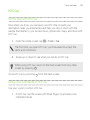
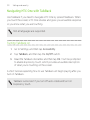
Opening an app or folder from the lock screen
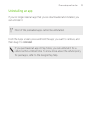
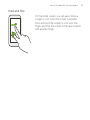
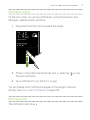
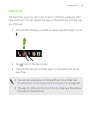
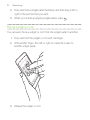
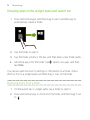
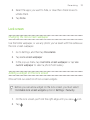
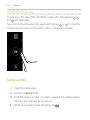
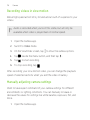
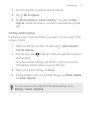
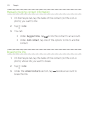
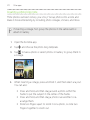
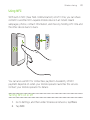
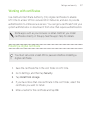
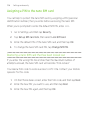
On the lock screen, drag an app or folder icon up to unlock the screen and
directly go to the app or folder.
The shortcuts on the lock screen are the same ones on your Home
screen's launch bar. To change the lock screen shortcuts, replace
the apps or folders on the launch bar.
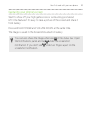
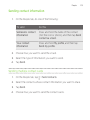
If you've set up another security layer like a screen lock pattern or PIN,
you'll be asked to provide your credentials first before HTC One opens the
app or folder.
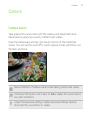
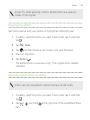
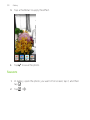
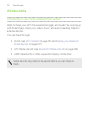
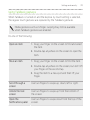
Sharing content
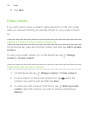
Have something to share, such as a photo or video?
§
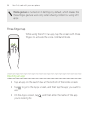
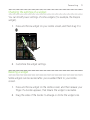
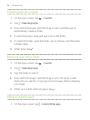
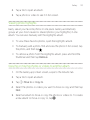
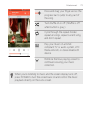
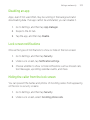
In an app, just tap the share icon:
§
If you don't see the icon, tap
or
.
> Share.
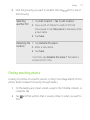
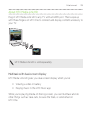
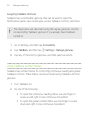
Switching between recently opened apps
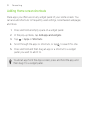
When you're multitasking and using different apps on HTC One, you can
easily switch between the apps you've recently opened.
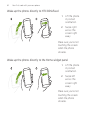
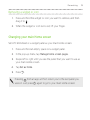
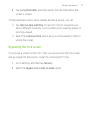
Press
to see recently-opened apps.