1
User’s Manual
SARKSARK-110
Appendix C:
Upgrading the firmware
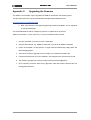
The SARK-110’s firmware may be upgraded via USB as described in the following steps:
This procedure assumes you have downloaded the appropriate update file from:
http://www.sark110.com/files/firmware
Note: Two versions of the zipped upgrade file are always available. This is explained
on the download page
The downloaded file should be unzipped to produce an update file in the format:
SARK110-VAA-APP-x.y.z.dfu. Where x.y.z is the incremental version number.
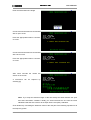
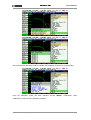
1. Connect the SARK-110 to the PC with a USB cable
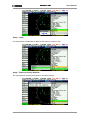
2. Copy the firmware file, e.g. SARK110-VAA-APP.x.y.z.dfu to the SARK’s USB disk
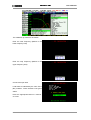
3. Power off the SARK-110 and power it on again while simultaneously holding down the
Run/Hold [►||] button
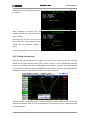
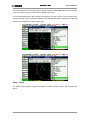
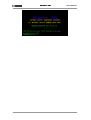
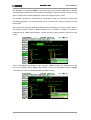
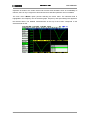
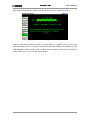
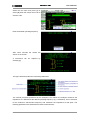
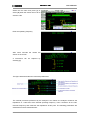
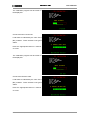
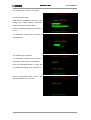
4. The Device Firmware Upgrade screen prompts you to install the firmware file
5. If several firmware files are on the USB disc, use Navigator B to select the file to load
6. The firmware upgrade will commence after pressing the Select [■] button
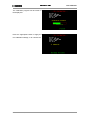
7. Once complete, press the “Save Conf” [▲] button, which will reset the analyzer and run
the upgraded firmware
Rev 1.2.6 October 3rd, 2015
- 73 -
© Melchor Varela – EA4FRB 2011-2015