1
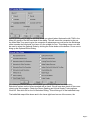
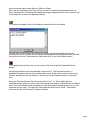
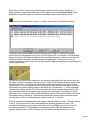
Select the Artillery Dialog button to check Indirect Fire. This will reveal that you have a
105mm Artillery Unit at hex 2,19 but no unit to spot for it. Select this unit and press the G
Hotkey. You will notice that no enemy units are highlighted. The G Hotkey highlights any
and all possible targets for the unit selected.
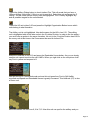
Select the HQ unit at hex 0,20 and press the Highlight Organization Button to see which
units belong in what formation.
The Artillery unit is not highlighted. Now do the same for the HQ in hex 0,21. The artillery
unit is highlighted with all the other units in the 5.Leichte Division. In order to fire the artillery
you must have a spotter in the same formation. No unit in the 5.Leichte Division has LOS to
an enemy unit at this time so the Guns cannot be used for Indirect Fire.
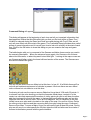
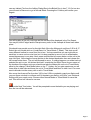
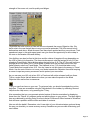
Select the Halftrack in hex 0,19 and press the Reachable Hexes button. As you can clearly
see this unit cannot travel too far with 16MPs. When you right click on the unit picture it will
say Foot in yellow and a speed of 4.
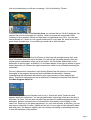
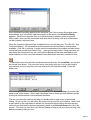
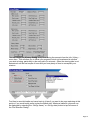
Now put the unit in Travel Mode and see how this unit goes from Foot to Soft Halftrk
mounted and Speed and Reachable Hexes is greatly increased. This Halftrack (HT) is also
a Recon unit.
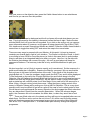
Move this Recon unit from hex 0,19 to 7,15. Now this unit can spot for the artillery and you
Page 10