1
5.2.3.4 Defining the setting range of the lens
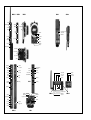
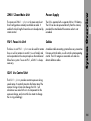
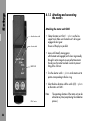
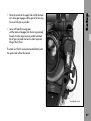
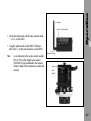
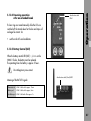
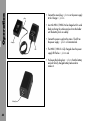
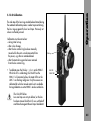
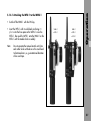
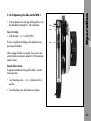
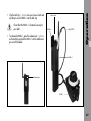
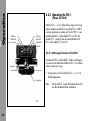
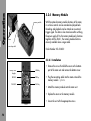
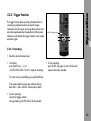
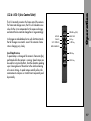
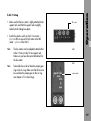
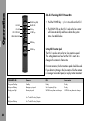
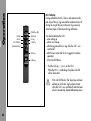
• Turn the handwheel ➪ photo of the FIU-1.
For each setting ring on the lens controlled by the LCS, a
setting range can be defined and stored. The smaller this
range, the more precisely setting can be carried out.
The focus ring of the lens follows the handwheel adjustment
very precisely and smoothly.
When quickly turning the handwheel, focus and iris
adjustment follow the lens control motors at maximum
speed (at 12V the maximum adjustment speed is lower).
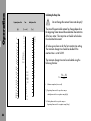
The setting range is determined individually for each axis.
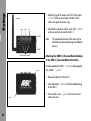
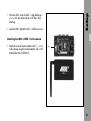
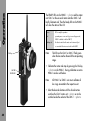
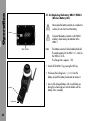
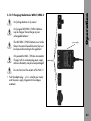
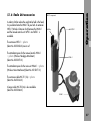
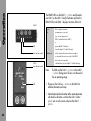
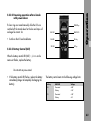
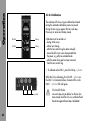
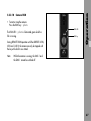
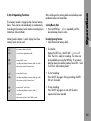
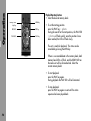
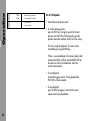
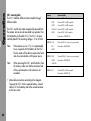
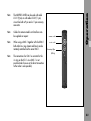
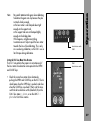
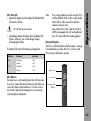
On the Focus Iris Unit the LENS key ➪ photo is used:
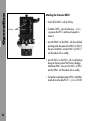
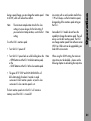
With the corresponding control unit, set the range as follows:
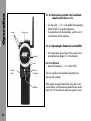
5.2.3.3 Fixing the handwheel in position
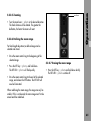
• Drive to the beginning of the selected range by
adjusting the handwheel.
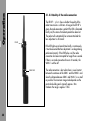
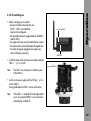
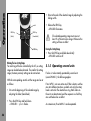
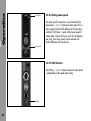
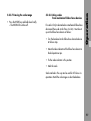
To prevent unintentional moving of the handwheel, it can
be fixed in its position.
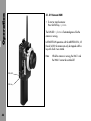
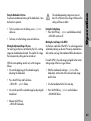
• Press the LENS key ➪ photo and hold down
– LENS-LED ➪ photo flashes.
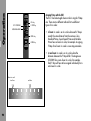
• To fix in position, turn the locking screw ➪ photo
clockwise.
• Drive to the end of the selected range by adjusting the
handwheel.
• To loosen, turn the locking screw anti-clockwise.
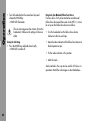
• Release the LENS key
– LENS-LED illuminates.
Operation
5.2.3.2 Focus or iris setting
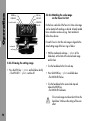
The selected operating range must cover at
least 2% of the entire lens range. Otherwise the
setting will have no effect.
69