1
1.2 Install UVC Advanced Driver
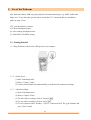
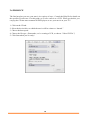
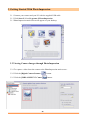
(1) Insert the CD into your CD-ROM drive; the installer screen will automatically come up.
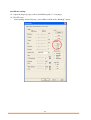
(2) Click the “Install UVC Advanced Driver” button to start installation.
(3) Plug Webcam’s cable to the USB port on your computer.
Note:
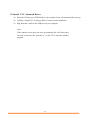
If the installer screen does not come up automatically, click Start, then
run and execute the file “launch.exe” on the CD to start the installer
program.
3