1
System
2.
3.
4.
5.
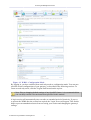
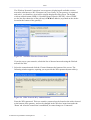
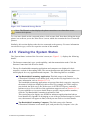
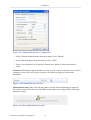
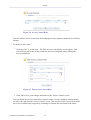
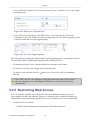
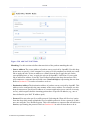
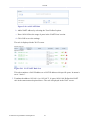
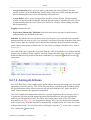
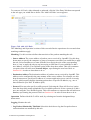
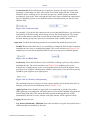
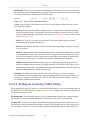
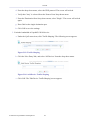
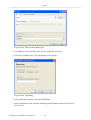
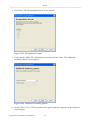
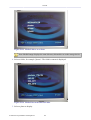
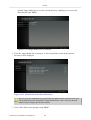
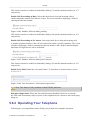
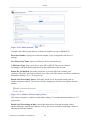
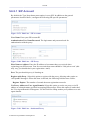
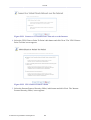
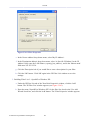
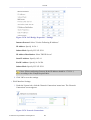
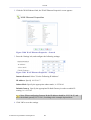
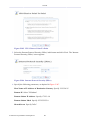
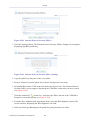
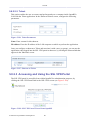
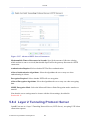
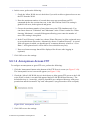
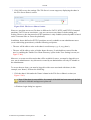
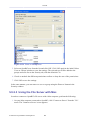
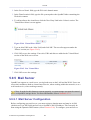
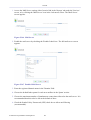
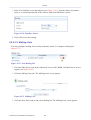
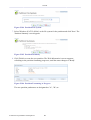
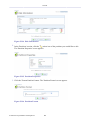
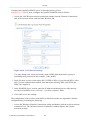
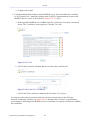
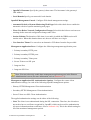
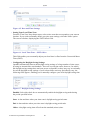
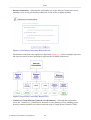
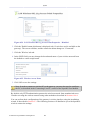
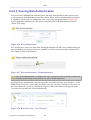
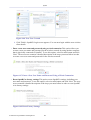
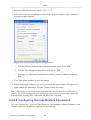
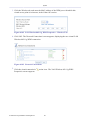
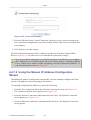
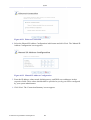
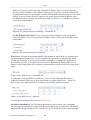
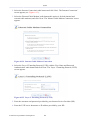
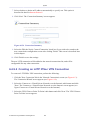
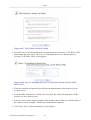
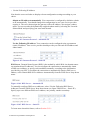
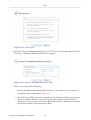
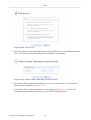
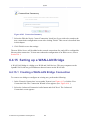
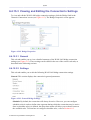
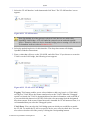
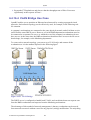
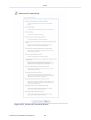
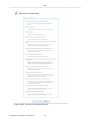
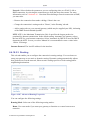
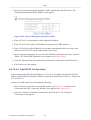
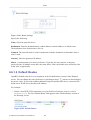
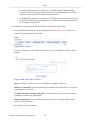
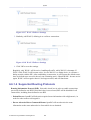
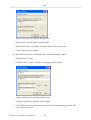
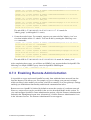
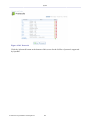
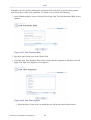
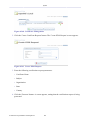
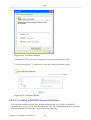
Click the 'Internet Time' tab. The window changes to the following.
Figure 6.9 Windows – Internet Time Screen
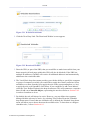
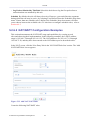
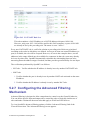
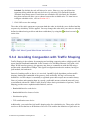
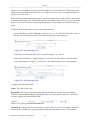
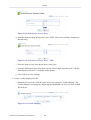
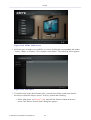
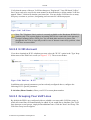
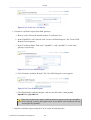
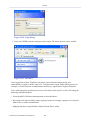
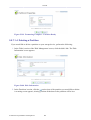
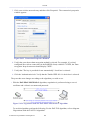
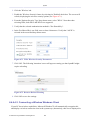
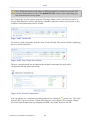
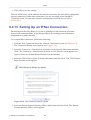
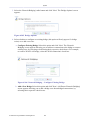
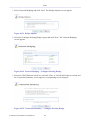
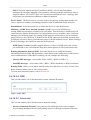
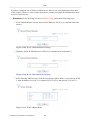
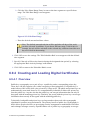
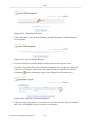
In the 'Server' field, enter OpenRG's LAN IP address (The default one is
192.168.1.1).
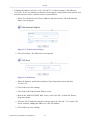
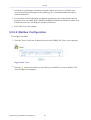
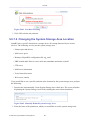
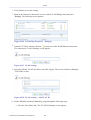
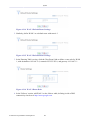
Click 'Update Now'. Windows will synchronize with OpenRG's SNTP server. In
addition, Windows will perform a periodical synchronization with the SNTP server.
Click 'OK' to save the settings.
6.3 Managing Users
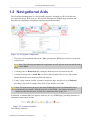
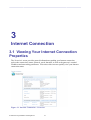
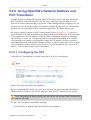
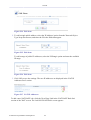
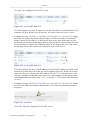
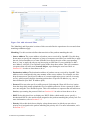
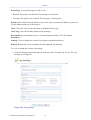
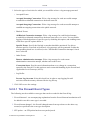
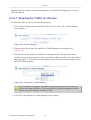
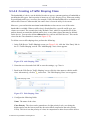
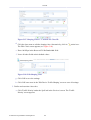
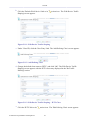
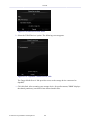
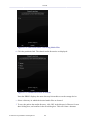
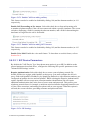
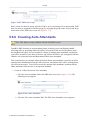
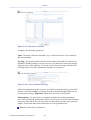
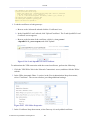
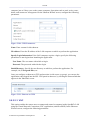
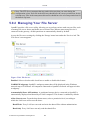
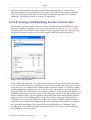
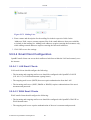
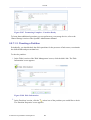
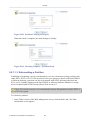
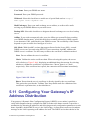
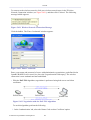
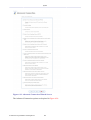
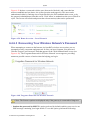
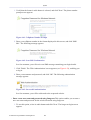
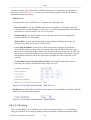
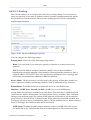
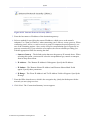
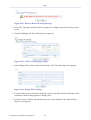
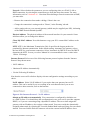
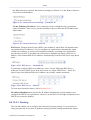
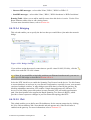
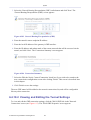
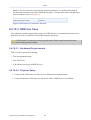
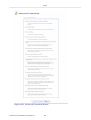
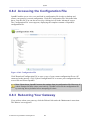
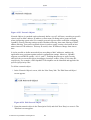
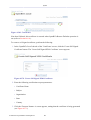
The 'Users' menu item enables you to view and edit the defined user accounts.
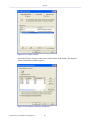
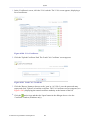
Figure 6.10 Users
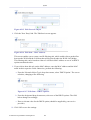
By default, only one user account (Admin) is available.
© 1998-2010 Jungo Software Technologies Ltd.
323