1
Configuring Layer 2 Features
VLAN Commands
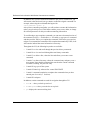
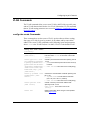
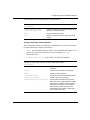
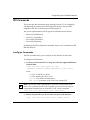
The VLAN commands allow you to create VLANs, add VLANs to specific ports,
and set VLAN characteristics and to view VLAN information. VLAN commands
that set VLAN routing parameters are covered in Chapter 6, “Configuring Layer 3
Protocol Features.”
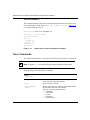
config vlan create Commands
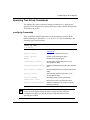
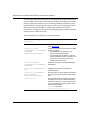
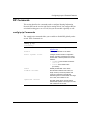
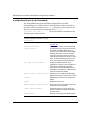
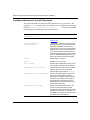
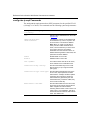
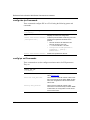
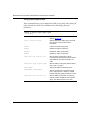
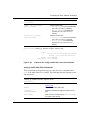
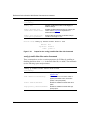
These commands are used to create a VLAN. Accelar software allows creating
four types of VLANs: by port, by protocol, by IP subnet, and by source MAC
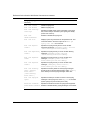
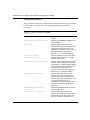
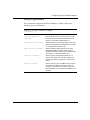
address. The create VLAN commands use the following syntax and parameters,
where <vid> is the VLAN ID (from 2 to 4095). VLAN 1 is the default VLAN.
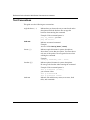
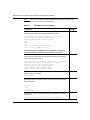
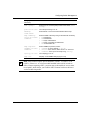
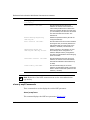
config vlan <vid> create
followed by:
202086-B
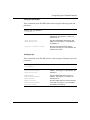
create byport <sid>
[name<value>]
Creates a port-based VLAN, with spanning tree ID 1
to 25.The name <value> is the name of the VLAN
{string}.
create byprotocol <sid>
<ip|ipx802dot3|ipx802dot
2|ipxSnap|ipxEthernet2|a
ppleTalk|decLat|decOther
|sna802dot2|snaEthernet2
|netBios|xns|vines|ipV6|
usrDefined|rarp> [pid]
[name<value>]
Creates a protocol-based VLAN with spanning tree ID
1 to 25.
• pid is a user-defined protocol ID number in hex (0
to 65535.
• name <value> is the name of the VLAN {string}.
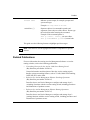
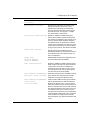
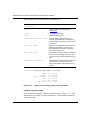
create by ipsubnet <sid>
<ipaddr/mask> [name
<value>]
Creates an IP subnet-based VLAN with spanning tree
ID 1 to 25.
• <ipaddr/mask> is the IP address and mask
{a.b.c.d/x | a.b.c.d/x.x.x.x | default}.
• name <value> is the name of the VLAN {string.}
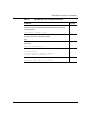
create bysrcmac <sid>
[name <value>]
Creates a VLAN by source MAC address with
spanning tree ID 1 to 25.
name <value> is the name of the VLAN
{string}.
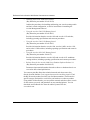
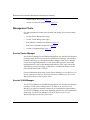
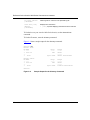
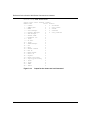
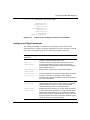
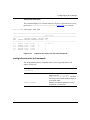
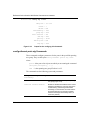
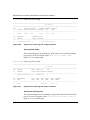
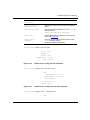
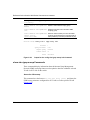
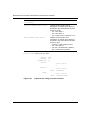
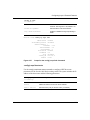
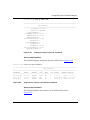
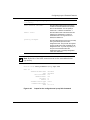
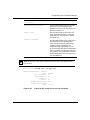
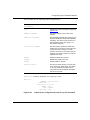
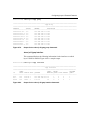
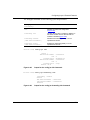
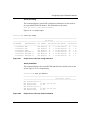
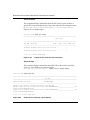
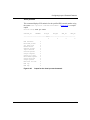
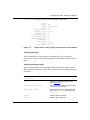
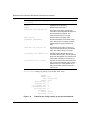
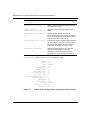
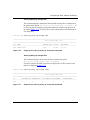
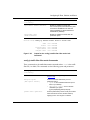
create info
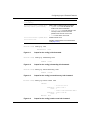
Displays information about the type of the specified
VLAN (Figure 5-25).
5-21