1
Configuring Layer 3 Protocol Features
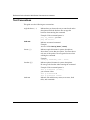
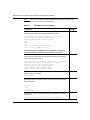
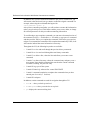
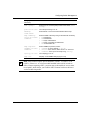
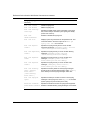
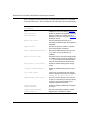
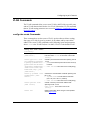
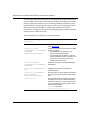
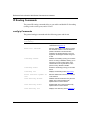
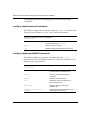
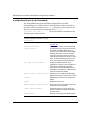
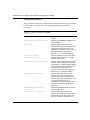
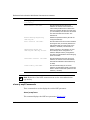
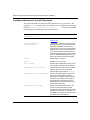
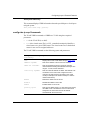
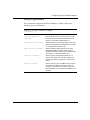
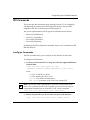
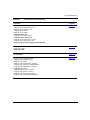
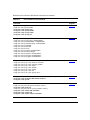
config ip dhcp-relay
followed by:
disable-fwd-path agent <value>
server <value>
Disables DHCP relaying on the path from the
IP address to the server. This is the default.
mode <mode> agent <value>
server <value>
Modifies DHCP mode to forward BootP
messages only, DHCP messages only, or
both. The default is both.
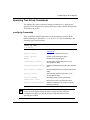
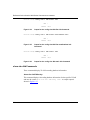
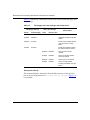
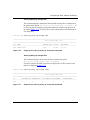
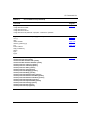
show ip dhcp Commands
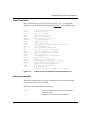
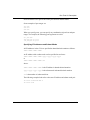
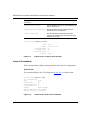
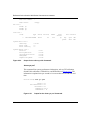
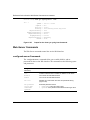
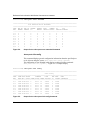
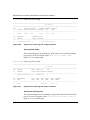
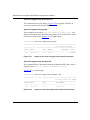
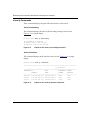
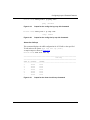
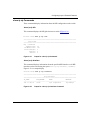
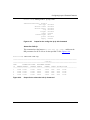
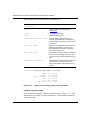
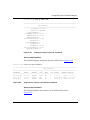
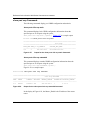
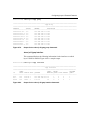
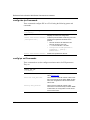
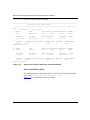
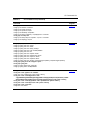
show ip dhcp fwd-path
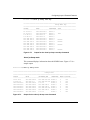
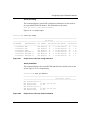
This command displays DHCP routing information, including interface, server,
enabled or disabled, and mode (forward BootP messages only, DHCP messages
only, or both).
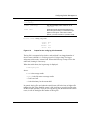
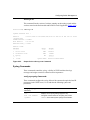
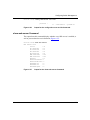
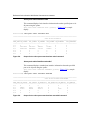
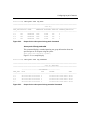
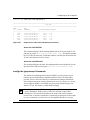
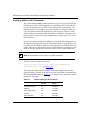
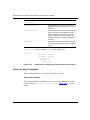
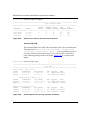
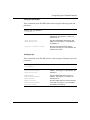
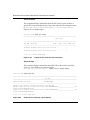
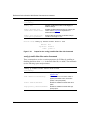
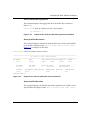
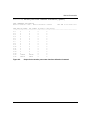
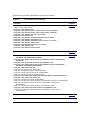
show ip dhcp counters
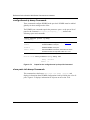
This command displays DHCP counter information, including the number of
requests and the number of replies for each interface.
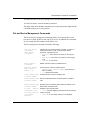
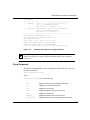
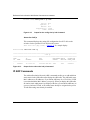
config ethernet ip dhcp-relay Commands
These commands allow you to view and configure DHCP parameters on the
specified isolated routing port(s).The port commands require the parameter
<ports> as the port or list of ports on which you are running the command
{slot/port[-slot/port][, ...]}.
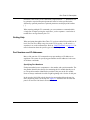
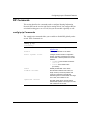
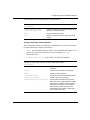
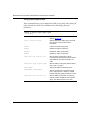
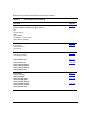
The commands use the following syntax and parameters:
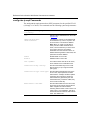
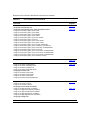
config ethernet <ports> ip dhcp-relay
followed by:
202086-B
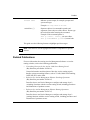
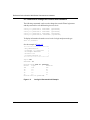
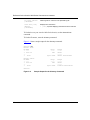
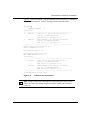
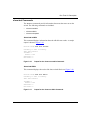
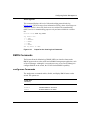
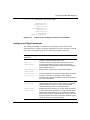
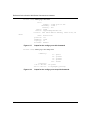
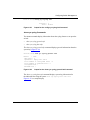
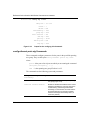
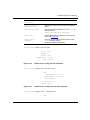
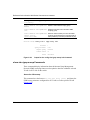
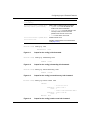
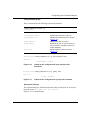
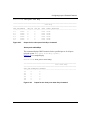
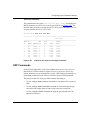
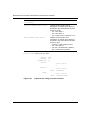
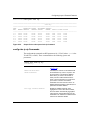
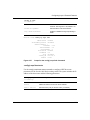
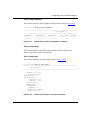
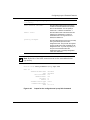
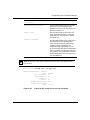
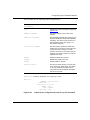
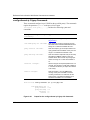
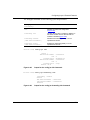
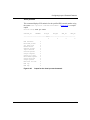
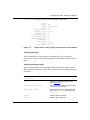
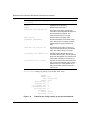
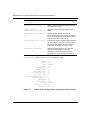
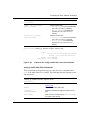
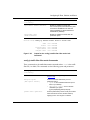
info
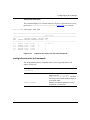
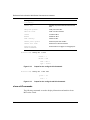
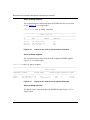
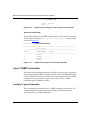
Displays current DHCP configuration on the
port (Figure 6-22).
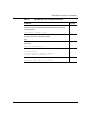
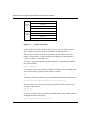
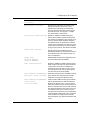
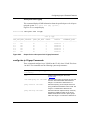
broadcast <enable|disable>
Sets whether or not the server reply is sent as a
broadcast or unicast back to the end station.
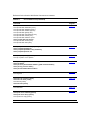
disable
Disables DHCP relaying on the port.This is the
default state.
enable
Enables DHCP relaying on the port.
6-17