1
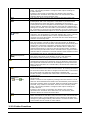
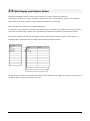
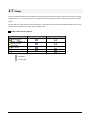
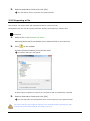
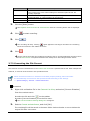
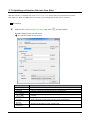
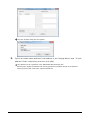
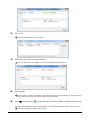
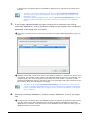
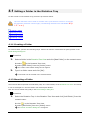
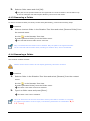
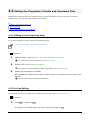
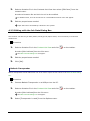
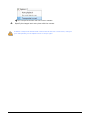
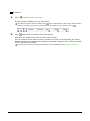
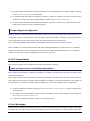
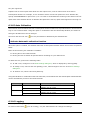
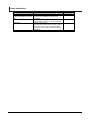
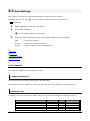
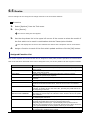
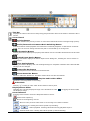
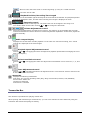
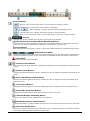
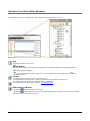
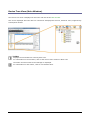
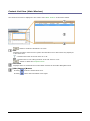
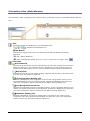
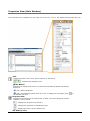
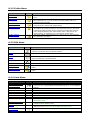
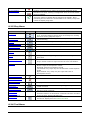
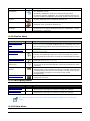
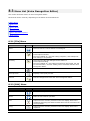
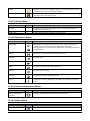
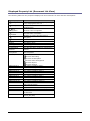
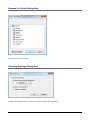
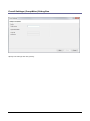
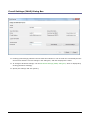
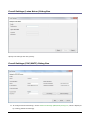
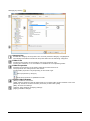
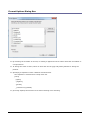
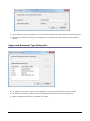
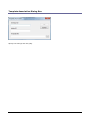
It can be entered by clicking on the cell. Synchronize Folder Name When this is enabled, the Name attribute will automatically change to the same name of the folder specified through the Path attribute. Path This attribute sets the folder path. It can be configured using the Browse for Folder dialog box, which is displayed by clicking . Encryption The current Encryption attribute settings will appear. For Download folders and Custom folders: The Encryption attribute for the folder cannot be changed via the Transcription Module. For the E-mail folder and the FTP folder in the Outbox: This option sets whether or not the folder is encrypted when files are sent via E-mail or FTP. Password For Download folders and Custom folders: When the Encryption attribute is set to “Yes,” a decryption password must be entered for files stored in the folder. The password can be entered in the Decryption Password Dialog box, which is displayed by clicking . The specified password can be from 4 to 16 alphanumeric characters. For the E-mail folder and the FTP folder in the Outbox: When the Encryption attribute is set to “Yes,” an encryption password must be entered for files in the folder before they are sent. The password can be entered in the Encryption Password Dialog box, which is displayed by clicking . The specified password can be from 4 to 16 alphanumeric characters. Ownership The current Ownership attribute settings will appear. The Ownership attribute cannot be changed via the Transcription Module. 98 / 197