1
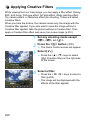
U Applying Creative Filters
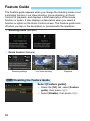
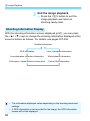
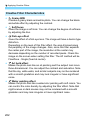
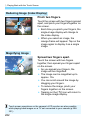
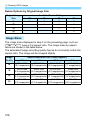
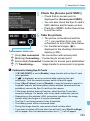
Creative Filter Characteristics
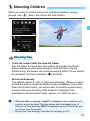
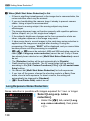
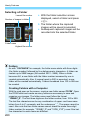
V Grainy B/W
Creates a grainy black-and-white photo. You can change the blackand-white effect by adjusting the contrast.
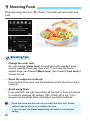
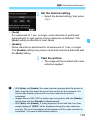
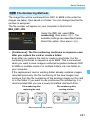
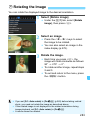
W Soft focus
Gives the image a soft look. You can change the degree of softness
by adjusting the blur.
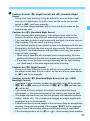
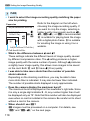
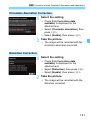
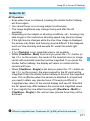
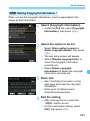
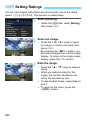
X Fish-eye effect
Gives the effect of a fish-eye lens. The image will have a barrel-type
distortion.
Depending on the level of this filter effect, the area trimmed along
the periphery of the image changes. Also, since this filter expands
the center part of the image, the resolution at the center may
decrease depending on the number of recorded pixels. Check the
image on the screen when setting this filter. The AF method will be
FlexiZone - Single (fixed at center).
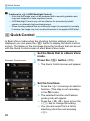
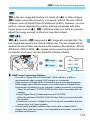
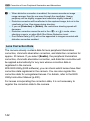
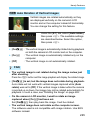
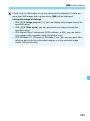
Y Art bold effect
Makes the photo look like an oil painting and the subject look more
three-dimensional. You can adjust the contrast and saturation. Note
that the sky, white walls, and similar subjects may not be rendered
with a smooth gradation and may look irregular or have significant
noise.
Z Water painting effect
Makes the photo look like a watercolor painting with soft colors. You
can control the color density by adjusting the filter effect. Note that
night scenes or dark scenes may not be rendered with a smooth
gradation and may look irregular or have significant noise.
202