1
3 Custom Function SettingsK
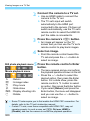
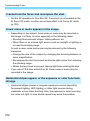
C.Fn-8
VF display illumination
You can set whether or not the AF points in the viewfinder will light up
in red when focus is achieved.
0: Auto
The AF points automatically light up in red under low light.
1: Enable
The AF points light up in red regardless of the ambient light level.
2: Disable
The AF points do not light up in red.
When AI Servo AF is set, there is no illumination in red even when focus is
achieved.
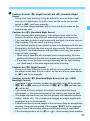
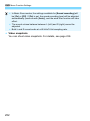
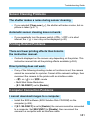
When you press the <S> or <B> button, the AF points will be
illuminated in red regardless of this setting.
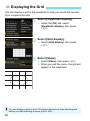
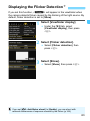
The aspect ratio lines (p.120), and the grid and flicker detection set with
[52: Viewfinder display] will also light up in red.
C.Fn-9
Mirror lockup
0: Disable
1: Enable
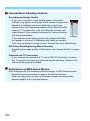
Prevents camera shake due to camera vibrations in the camera
caused by the reflex mirror action (mirror shock), when shooting
with super telephoto lenses or close-ups (macro photography).
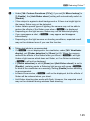
See page 163 for the mirror lockup procedure.
342