1
Handy Features
3 File Numbering Methods
The image files will be numbered from 0001 to 9999 in the order the
images are taken, then saved in a folder. You can change how the file
number is assigned.
The file number will appear on your computer in this format:
IMG_0001.JPG.
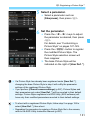
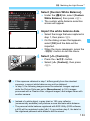
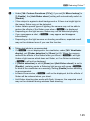
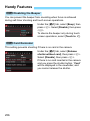
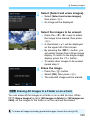
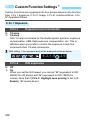
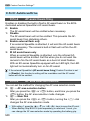
Under the [51] tab, select [File
numbering], then press <0>. The
available settings are described below.
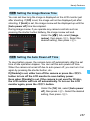
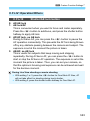
Select the option, then press <0>.
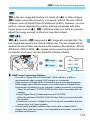
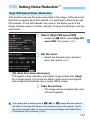
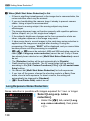
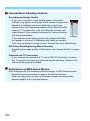
[Continuous]: The file numbering continues in sequence even
after you replace the card or create a folder.
Even after you replace the card or create a new folder, the file
numbering continues in sequence up to 9999. This is convenient
when you want to save images numbered anywhere between 0001
to 9999 on multiple cards or in multiple folders into one folder on
your computer.
If the replacement card or existing folder already contains images
recorded previously, the file numbering of the new images may
continue from the file numbering of the existing images on the card
or in the folder. If you want to use continuous file numbering, it is
recommended that you use a newly-formatted card each time.
File numbering after
replacing the card
Card-1
File numbering after
creating a folder
Card-2
Card-1
100
0051
0052
0051
101
0052
Next sequential file number
261