1
Working with EssentialPIM Pro
21
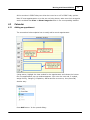
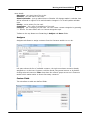
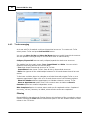
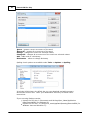
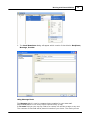
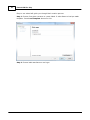
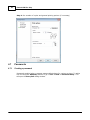
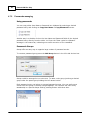
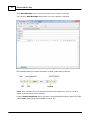
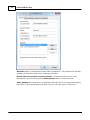
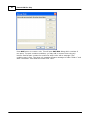
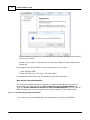
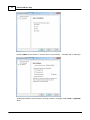
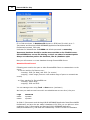
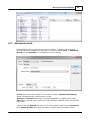
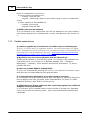
You can set daily, weekly or monthly recurrence of current To Do. By default there will
be created 10 recurrence of current To Do. You can set expire date if you need more.
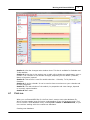
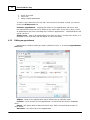
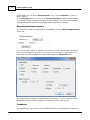
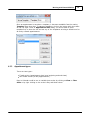
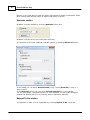
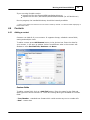
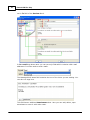
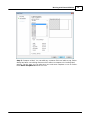
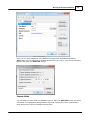
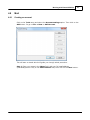
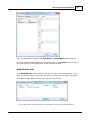
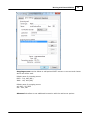
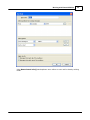
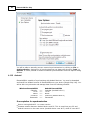
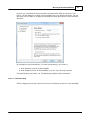
For more complex recurrence adjusting press Advanced button:
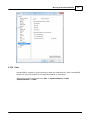
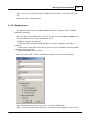
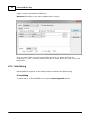
This dialog allows to adjust recurrence more specifically. I.e. you can set to repeat to
do every second Tuesday in the month or every third day etc.
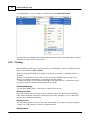
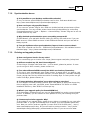
Templates
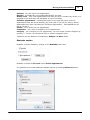
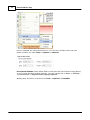
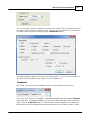
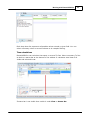
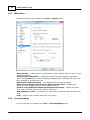
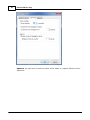
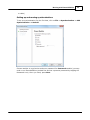
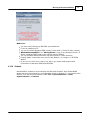
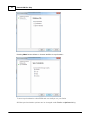
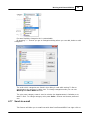
Any To Do can be saved as a template and then easily applied any time later.
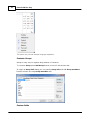
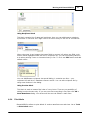
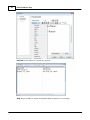
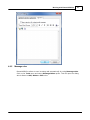
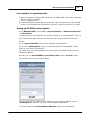
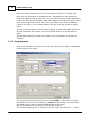
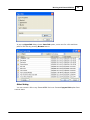
Once a To Do is saved as a template, it becomes available from the nearby Template
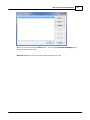
drop-down box. To manage templates, click on the button with three dots at the topright corner of To Do Info dialog. You will be able to move templates up or down the
list and set any of the templates as being a default one for all newly created To Dos.
© 2004-2012 Astonsoft Ltd.