1
Working with EssentialPIM Pro
45
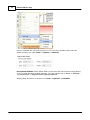
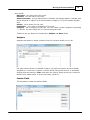
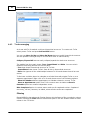
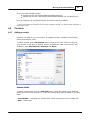
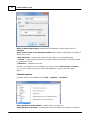
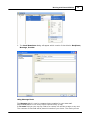
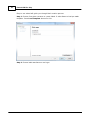
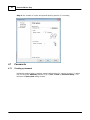
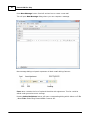
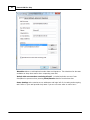
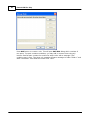
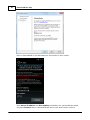
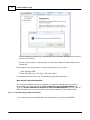
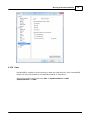
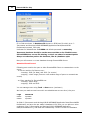
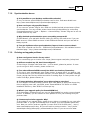
Here you can enter password entry details including notes and add attachments.
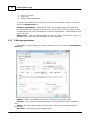
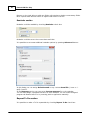
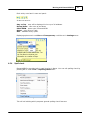
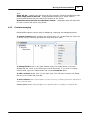
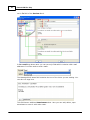
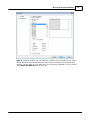
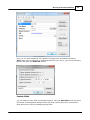
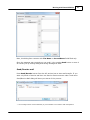
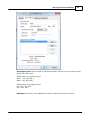
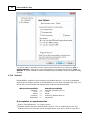
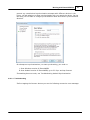
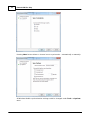
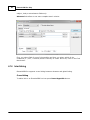
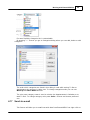
Gen button helps to generate a random password for your entry, just check necessary
options and press the Generate button:
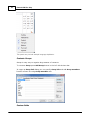
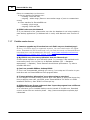
Custom fields
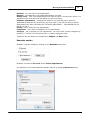
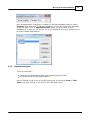
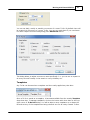
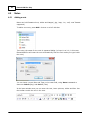
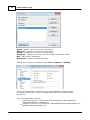
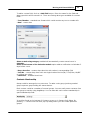
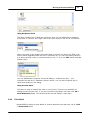
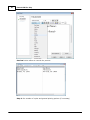
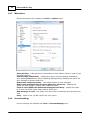
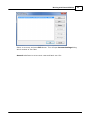
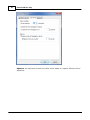
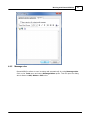
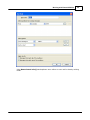
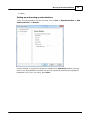
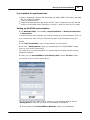
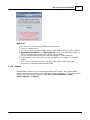
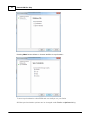
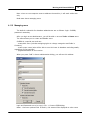
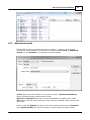
You can add your own fields for password entries. Click the Add field button and enter
field name in the appeared dialog window. Edit field, Delete field, Move up and Move
down buttons are used to manage existing fields.
© 2004-2012 Astonsoft Ltd.