1
CHAPTER 4 WINDOW REFERENCE
4. 2. 5 Fixed-sized memory pool information display
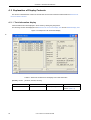
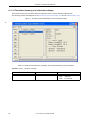
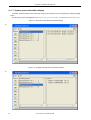
Fixed-sized memory pool information items are displayed in the ID order by clicking the [MPF] button.
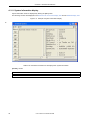
The following contents are displayed in the Real-time OS resource list display area and the Detailed display area.
Figure 4-7 Example of Fixed-Sized Memory Pool Information Display
*
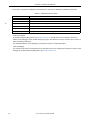
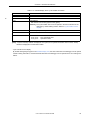
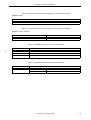
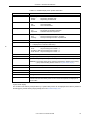
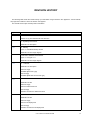
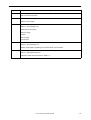
Table 4-12 Real-Time OS Resource List Display Area: Fixed-Sized Memory Pool Information
[Format] 1st item : [ 2nd item, 3rd item]
1st Item
ID
2nd Item
Fixed-sized memory pool name
3rd Item
Existence of wait task
TSK:
NON:
30
User’s Manual U18454EJ2V0UM
Wait task
No wait task