1
3
PROCEDURES
Exporting Models to XPDL
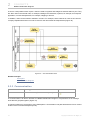
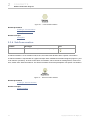
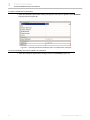
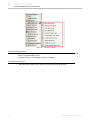
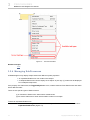
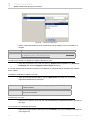
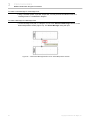
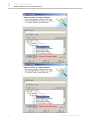
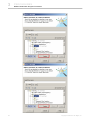
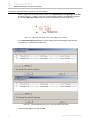
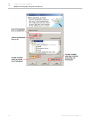
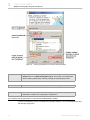
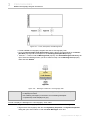
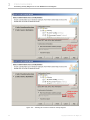
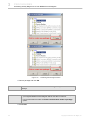
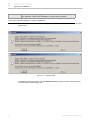
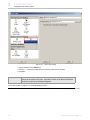
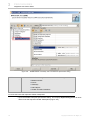
Figure 118 -- Exporting Multiple BPMN Processes or Collaborations to XPDL
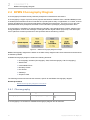
2. Select the Selected BPMN Processes/Collaborations radio button and choose the diagrams
you want to export from the BPMN Processes/Collaborations list.
TIP!
Press and hold down the Ctrl key to select multiple BPMN Processes or Collaborations.
3. Type the name of a destination directory in the Working Directory box or click the “...” button to
browse for a destination folder.
4. Click Save.
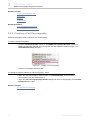
To export an active BPMN Process/Collaboration to XPDL:
1. Either:
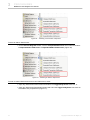
(i) Click File > Export To > XPDL File on the main menu, or
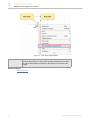
(ii) Open the BPMN Process/Collaboration shortcut menu in the browser and click Tools >
Export To XPDL File.
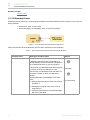
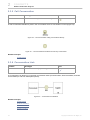
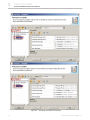
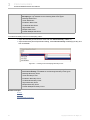
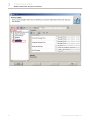
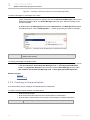
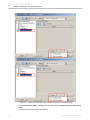
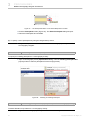
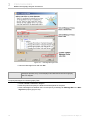
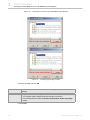
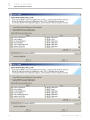
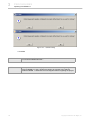
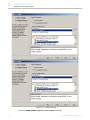
2. The Export to XPDL dialog will open (Figure 119)
119
Copyright © 2009-2011 No Magic, Inc..