1
Operation
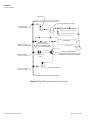
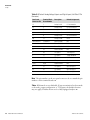
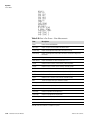
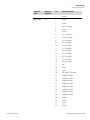
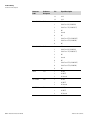
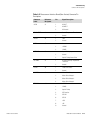
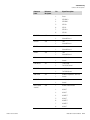
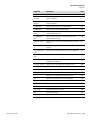
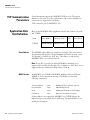
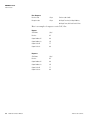
Alarms Menu
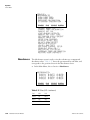
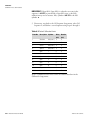
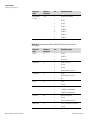
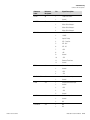
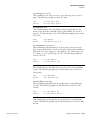
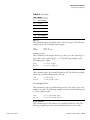
STATUS MOTHERBOARD
TEMP BENCH
TEMP DETECTOR
TEMP SOURCE
CAL FAILED
STATUS 62i
STATUS 61i
TEMP INTERNAL
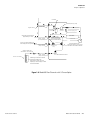
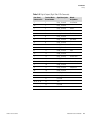
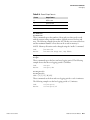
Dewpoint
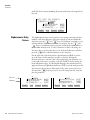
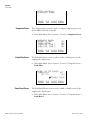
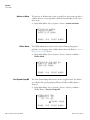
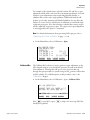
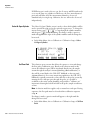
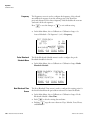
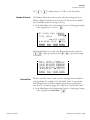
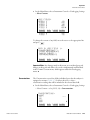
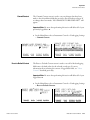
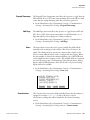
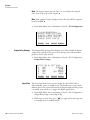
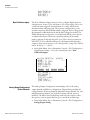
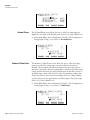
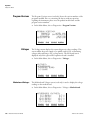
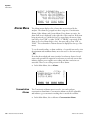
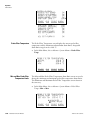
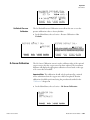
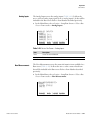
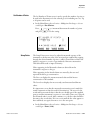
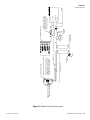
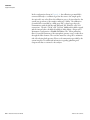
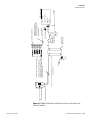
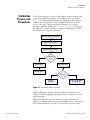
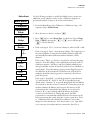
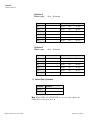
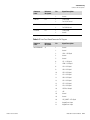
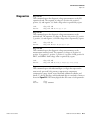
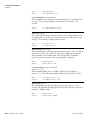
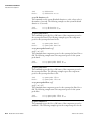
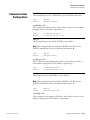
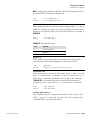
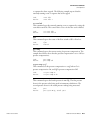
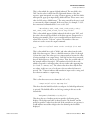
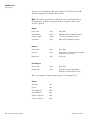
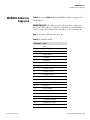
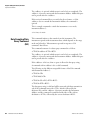
The Dewpoint screen (read only) is used to view the actual current sample
dewpoint reading and warning alarm and high alarm limits. Alarm limits
range from 10 to 15 degrees C. An alarm is activated if the dewpoint
reading goes above the warning alarm or high alarm limit, and the alarm
(bell) icon appears in the status bar on the Run screen and in the Main
Menu.
●
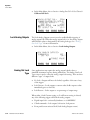
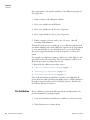
In the Main Menu, choose Alarms > Other Alarms > Dewpoint.
DEWPOINT:
ACTUAL
WARNING ALARM
HIGH ALARM
RANGE
Pressure
AVG
o
C
C
o
C
o
DIAGS ALARM
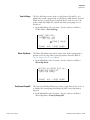
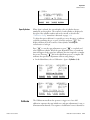
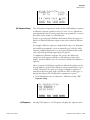
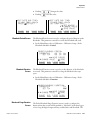
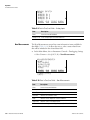
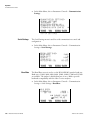
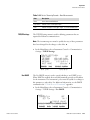
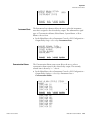
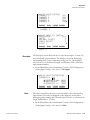
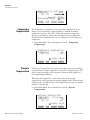
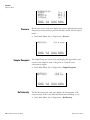
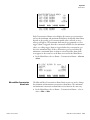
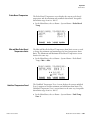
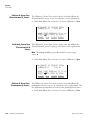
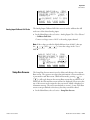
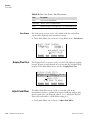
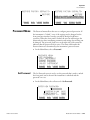
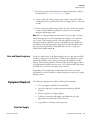
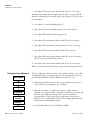
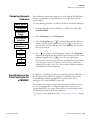
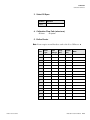
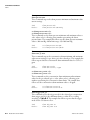
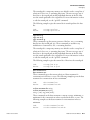
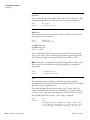
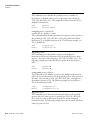
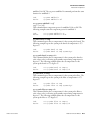
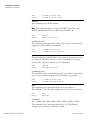
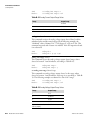
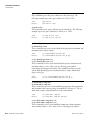
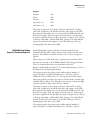
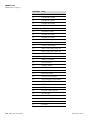
In the Main Menu, choose Alarms > Other Alarms > Pressure.
PRESSURE:
ACTUAL
>MIN
MAX
RANGE
Thermo Fisher Scientific
8.O
10.0
15.0
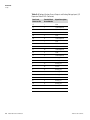
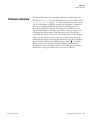
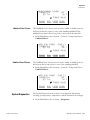
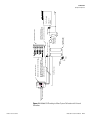
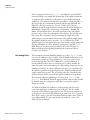
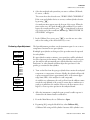
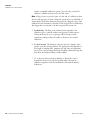
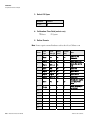
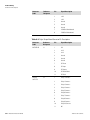
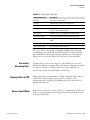
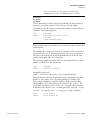
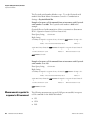
The Pressure screen is used to view the current bench pressure reading and
the minimum and maximum alarm limits. Acceptable alarm limits range
from 250 to 1000 mm Hg. An alarm is activated if the pressure reading is
outside the set limits, and the alarm (bell) icon appears in the status bar on
the Run screen and in the Main Menu.
●
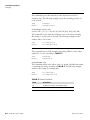
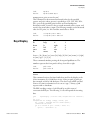
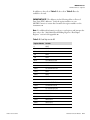
Min and Max Pressure Limits
OK
OK
OK
OK
OK
OK
OK
OK
AVG
746.9 mmHg
250.0 mmHg
1000.0 mmHg
DIAGS ALARM
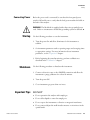
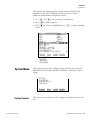
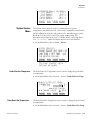
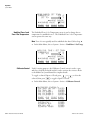
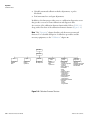
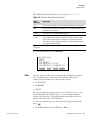
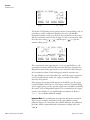
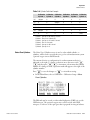
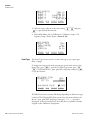
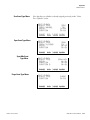
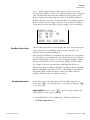
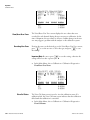
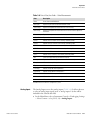
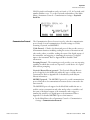
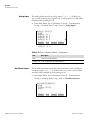
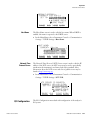
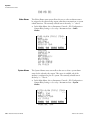
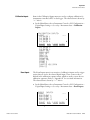
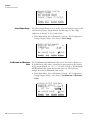
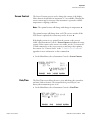
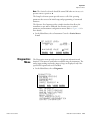
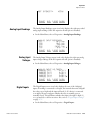
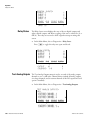
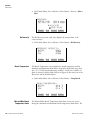
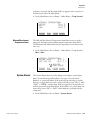
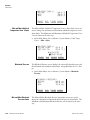
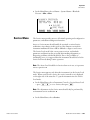
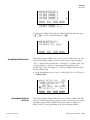
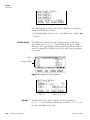
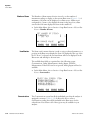
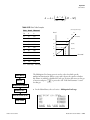
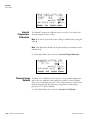
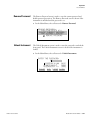
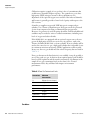
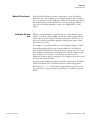
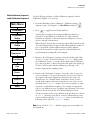
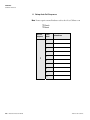
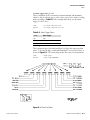
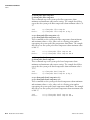
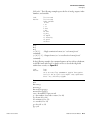
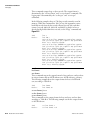
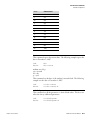
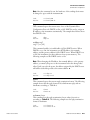
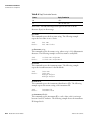
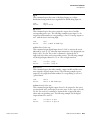
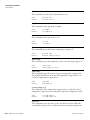
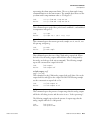
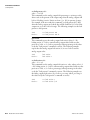
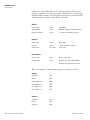
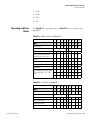
The Min and Max Pressure alarm limit screens are used to change the
minimum and maximum alarm pressure limits. The Minimum and
Maximum Pressure screens function the same way.
Model 60i Instruction Manual
3-95