1
Introduction to QAD Configurator
23
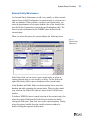
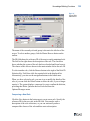
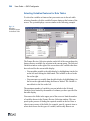
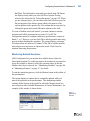
You can check the syntax either manually or automatically:
• The syntax can be checked manually by clicking the Syntax Check
button in the button bar. The system then displays a message telling
you that the syntax is OK, or where the problems are.
• The syntax is checked automatically when you save the rule or
formula by clicking OK or Save. If the syntax is correct, no message
appears. If the rule or formula is not syntactically correct, the system
displays an error report showing the Progress program code created
by QAD Configurator and the errors encountered.
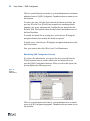
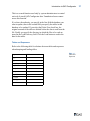
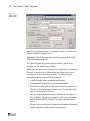
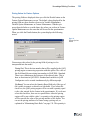
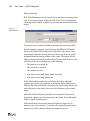
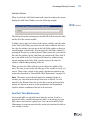
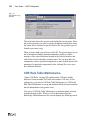
Output Selection
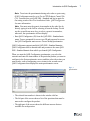
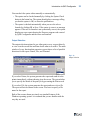
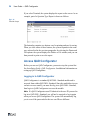
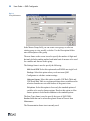
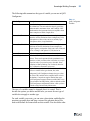
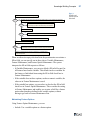
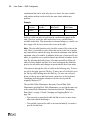
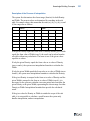
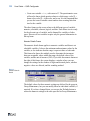
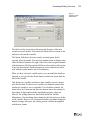
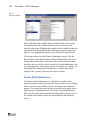
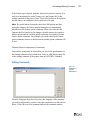
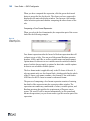
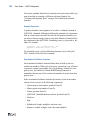
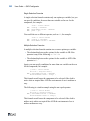
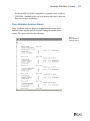
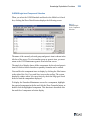
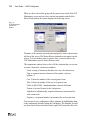
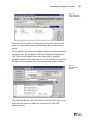
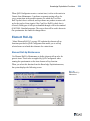
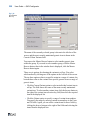
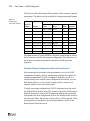
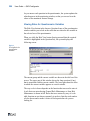
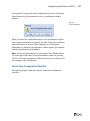
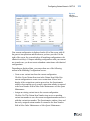
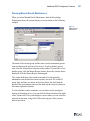
The output selection options let you either print or save a report directly,
or view it on the screen first and then decide what to do with it. The main
window of every function that generates a report shows a list of possible
directions for the report: Printer, File, and Terminal.
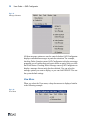
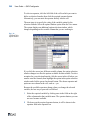
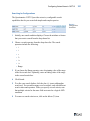
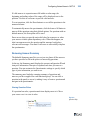
Fig. 1.13
Output Selection
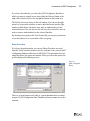
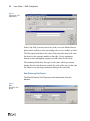
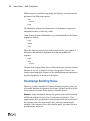
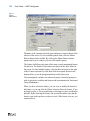
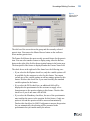
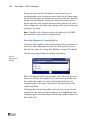
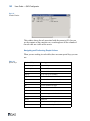
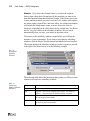
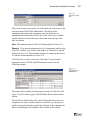
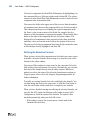
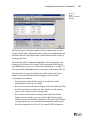
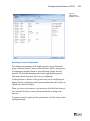
If you select Printer, the system generates the report and sends it to the
printer immediately, without showing it on the screen. The system helps
you to specify the details of the print job by presenting the Print screen.
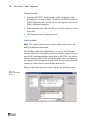
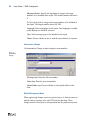
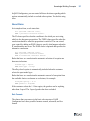
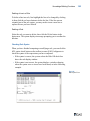
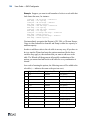
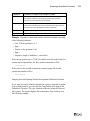
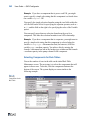
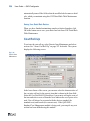
If you select File, the system generates the report and saves it in a file.
The report will not be shown on the screen. You have to specify a file
name for the report.
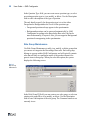
Both of the screens shown previously are standard features of the
Windows operating system: it is assumed that you are familiar with the
way they are used.