1
Table of Contents
Chapter 1: Welcome to Perfect Resize
Chapter 2: Introduction
Using the Help System
Contacting onOne Software
Additional Help
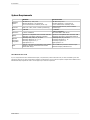
System Requirements
Installation
Licensing and Registration
Opening and Saving Files
Using Modules
Using as Standalone
Using with Adobe Photoshop
Using with Adobe Lightroom
Using with Apple Aperture
Using with Other Applications
Managing Extras
Preferences
Chapter 3: Browse Module
Getting Started
Browse Workspace
Finding and Opening Files
Using the Browse Module
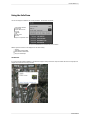
Using the Info Pane
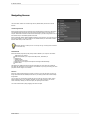
Navigating Sources
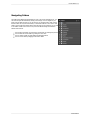
Navigating Folders
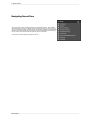
Navigating Recent Pane
Working in Thumbnail View
Working in Detail View
Navigating the Preview
Navigator
Managing Files and Folders
Opening an Image
Menus
Keyboard Shortcuts
Chapter 4: Perfect Resize
Getting Started
How Big Can You Print
Understanding Resolution
When Should I Use Perfect Resize
Supported Color Modes
User Interface
1
2
3
4
5
6
7
8
9
11
12
13
15
18
19
20
24
26
27
28
29
30
31
32
33
34
35
36
37
38
39
40
41
43
44
45
46
47
48
49
50