1
USB Settings
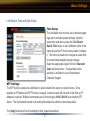
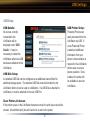
USB Setup
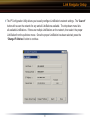
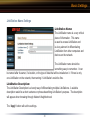
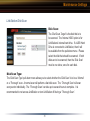
USB Details:
All devices currently
connected to the
LinkStation will be
displayed under ‘USB
Details’. It may be
necessary to restart the
LinkStation when new USB
devices are attached to the
LinkStation.
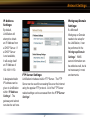
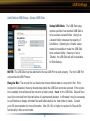
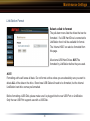
USB Disk Setup:
An attached USB Disk can be configured as an additional shared folder for
additional storage space. The attached USB Disk must be formatted by the
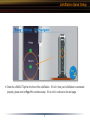
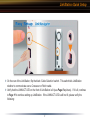
LinkStation before it can be used on LinkStation. If a USB Disk is attached to
LinkStation, it must be attached to the rear USB Port.
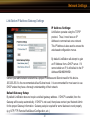
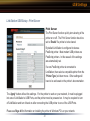
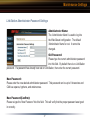
Clear Printer Job Queue:
If the printer queue on the LinkStation becomes corrupt, the print queue should be
cleared. All submitted print jobs will need to be re-sent to the printer.
40
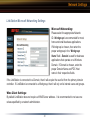
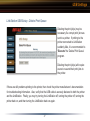
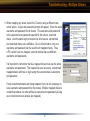
USB Printer Setup:
Postscript Printers can
easily be shared from the
LinkStation via USB. If
a non-Postscript Printer
is attached, additional
information from your
printer’s documentation is
required in the LinkStation
printer setup to ensure
proper operation. Once
installed, the printer will
be available to users on
LinkStation.