1
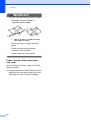
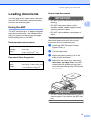
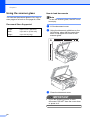
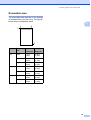
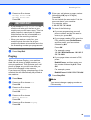
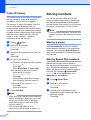
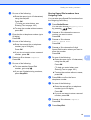
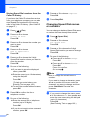
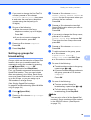
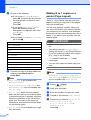
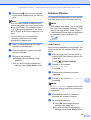
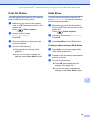
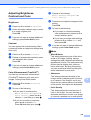
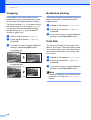
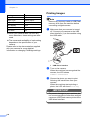
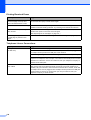
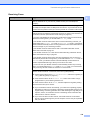
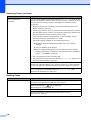
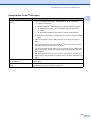
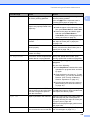
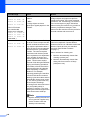
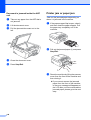
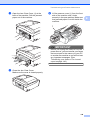
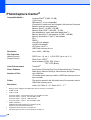
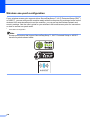
Chapter 13 Settings Options Paper Size 4" × 6" Paper Type Glossy Paper Layout Borderless: On Print Quality Fine Color Enhancement Off Print Date Off Printing Images 13 Note Remove any memory cards or USB Flash memory drive from the machine before connecting a digital camera. a When your camera does not have any menu selections, these settings are also used. Make sure that your camera is turned off. Connect your camera to the USB direct interface (1) on the machine using the USB cable. The names and availability of each setting depends on the specification of your camera. Please refer to the documentation supplied with your camera for more detailed information on changing PictBridge settings. 1 1 USB direct interface b Turn on the camera. When the machine has recognized the camera, the LCD shows Camera Connected. c Choose the photo you want to print following the instructions from your camera. When the machine starts printing a photo, the LCD will show Printing. IMPORTANT To prevent damage to your machine, do not connect any device other than a digital camera or USB Flash memory drive to the USB direct interface. 110