1
Chapter 2
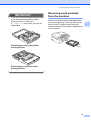
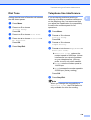
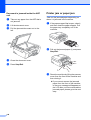
Loading envelopes and postcards
a
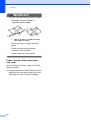
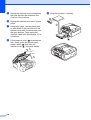
Before loading, press the corners and
sides of envelopes or postcards to make
them as flat as possible.
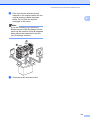
IMPORTANT
If envelopes or postcards are ‘doublefeeding’, put one envelope or postcard in
the paper tray at a time.
2
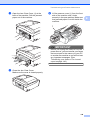
b
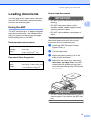
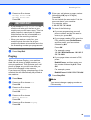
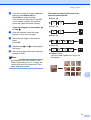
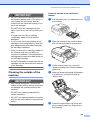
Put envelopes or postcards in the paper
tray with the address side down and the
leading edge in first as shown in the
illustration. With both hands, gently
press and slide the paper side
guides (1) and paper length guide (2) to
fit the size of the envelopes or
postcards.
1
2
12