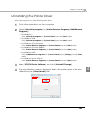
1
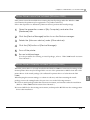
Preparing for Transport
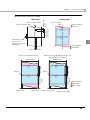
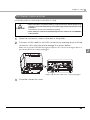
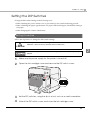
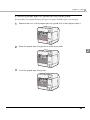
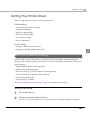
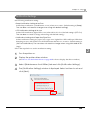
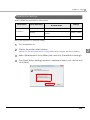
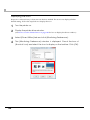
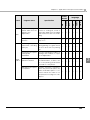
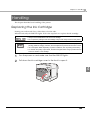
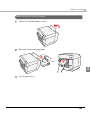
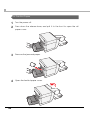
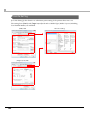
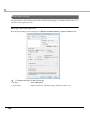
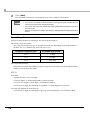
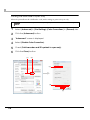
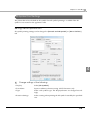
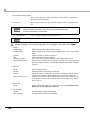
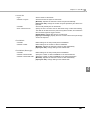
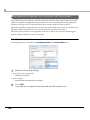
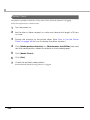
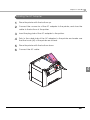
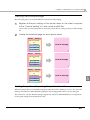
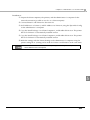
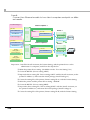
Follow the steps below to transport the printer.
CAUTION
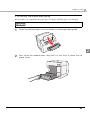
• Do not take the ink cartridge out of the printer when transporting it.
• Do not leave the printer without ink cartridge. Doing so may result in drying print head
and clogging.
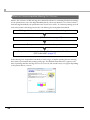
1
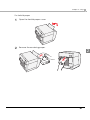
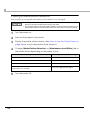
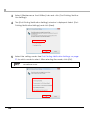
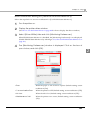
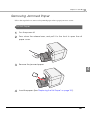
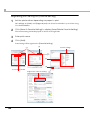
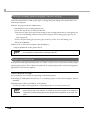
Turn the power off.
2
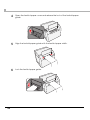
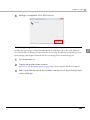
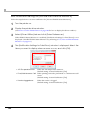
Confirm that
3
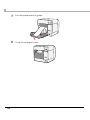
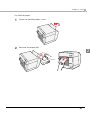
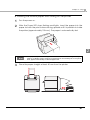
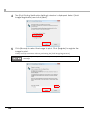
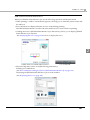
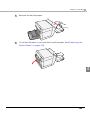
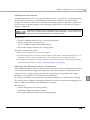
Remove the paper.
4
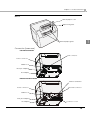
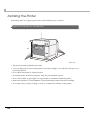
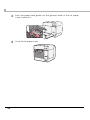
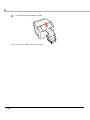
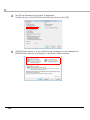
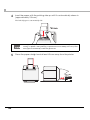
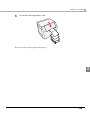
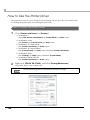
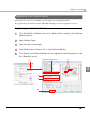
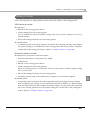
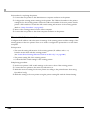
Pack the printer upright.
POWER LED is off.
Troubleshooting
Lighting and Flashing the Error LED
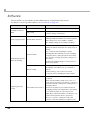
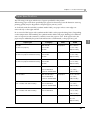
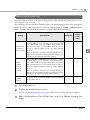
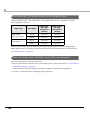
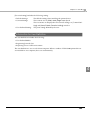
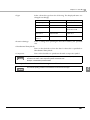
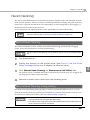
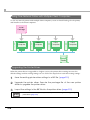
Recover from the error as follows when Error LED is lightening and flashing.
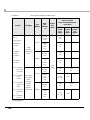
( For LED lighting/flashing patterns, see "Status/Error Indications" on page 19.)
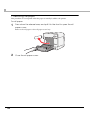
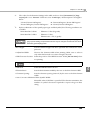
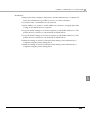
• Make sure that the roll paper cover and ink cartridge cover is closed.
Close the cover when it is opened.
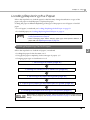
• Make sure that the Paper LED is not lightning. When Paper LED is lightening, check if there is
any paper jammed and set the paper correctly referring to "Replacing the Paper" on page 151.
• Turn the printer off and back to on again. Contact the administrator or person in charge of
maintenance if the Error LED keeps flashing.
208