1
MVI71-DNP ♦ PLC Platform
DNP 3.0 Master/Slave Communication Module
Installing and Configuring the Module
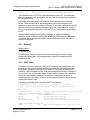
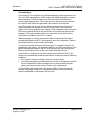
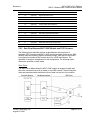
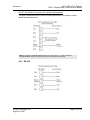
Important: You must name this file DNP.CFG before you transfer it to the module.
The module will not recognize configuration files with any other name or extension.
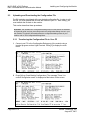
2.3.2 Transferring the Configuration File to the Module
Perform the following steps to transfer a configuration file from your PC to the
module.
1
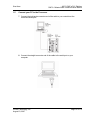
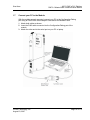
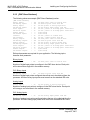
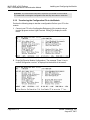
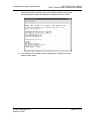
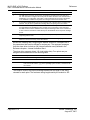
Connect your PC to the Configuration/Debug port of the module using a
terminal program such as HyperTerminal. Press [?] to display the main
menu.
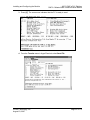
2
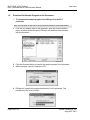
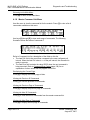
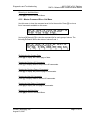
Press [<] (Receive Module Configuration). The message "Press Y key to
confirm configuration receive!" is displayed at the bottom of the screen.
Page 52 of 172
ProSoft Technology, Inc.
August 23, 2007