1
5.2
Copying the previously added asset
1)
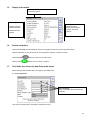
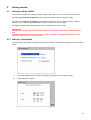
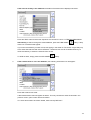
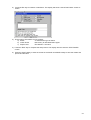
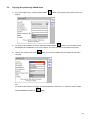
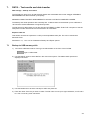
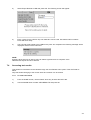
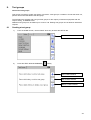
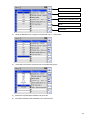
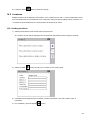
From the HOME screen, press the ADD ASSET
appear:
2)
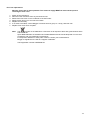
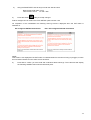
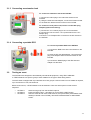
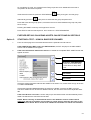
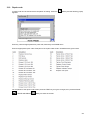
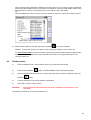
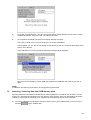
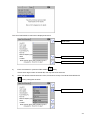
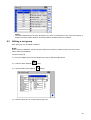
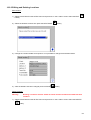
To recall the last asset to the screen press the COPY ASSET
Hotkey. This will recall the last
asset added to the database of the current Client. The Asset ID can then be edited as required.
3)
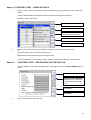
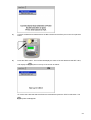
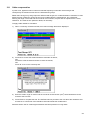
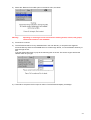
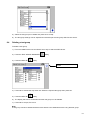
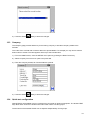
Change the Asset ID, the SAVE
changed.
Hotkey. The following empty asset screen will
Hotkey is becomes available after the ASSET ID has been
OR
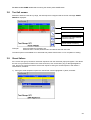
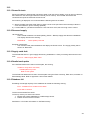
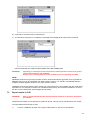
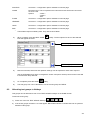
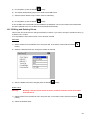
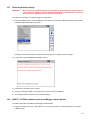
To recall the last asset to the screen and INCREASE the Asset ID by one, press the COPY ASSET
AND INCREMENT ASSET ID
Hotkey.
35