1
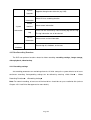
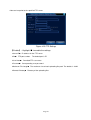
Left/Right Boundary
Settings
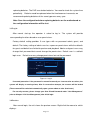
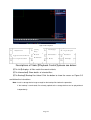
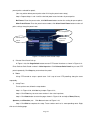
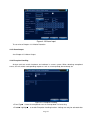
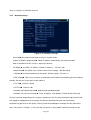
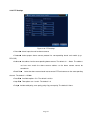
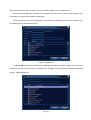
Boundary Line Scan
Figure 3.15 Set up line scan boundary
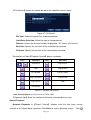
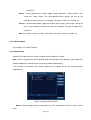
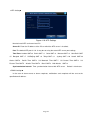
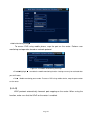
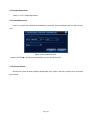
2) Line Scan Call Up
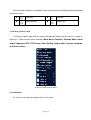
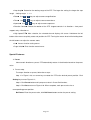
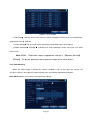
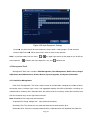
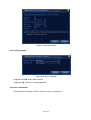
In Figure 3.10, click Page Switch button to open the PTZ control interface as shown in Figure
3.12. Click Line Scan button. PTZ will rotate repeatedly following the route set up. Click Stop key
to terminate the line scan.
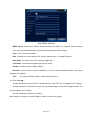
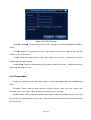
5. Horizontal Rotation
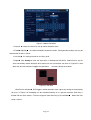
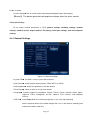
Click Horizontal Rotation button to horizontally rotate the PTZ (relative to the camera's original
position). Click Stop key to terminate the rotation.
6. Reverse Rotation
Click Horizontal Rotation button to reverse the rotation of the PTZ.
7. Reset
PTZ restarts. Values of all settings return to zero.
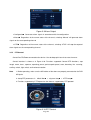
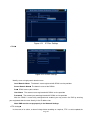
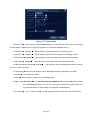
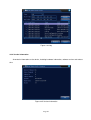
8. Page Switch
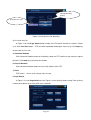
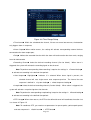
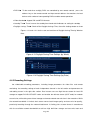
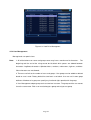
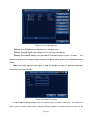
In Figure 3.12, click Page Switch to enter Figure 3.16 for auxiliary feature setup. Each auxiliary
number corresponds to an AUX switch on the decoder.
Page 25