1
2. Basic TV Controls
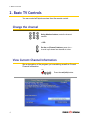
View the channel guide
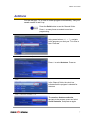
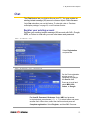
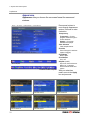
Press the Guide button to see a Channel Guide.
GUIDE
Info
Tools
Guide
Exit
Press once for Offered Channels (all channels available from your
Service Provider).
Press twice for My Channels (channels you subscribe to currently).
Press three times for Favorites (channels you’ve set as favorites).
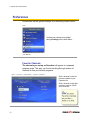
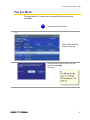
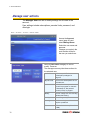
The Help Bar (below the guide) provides a key to the remote control
buttons that navigate through channels and program times.*
Buttons
Arrows (
Function
)
Scroll through channels and times.
Pg Up/Down (
)
Jump to previous/next channels.
Pg Back/Fwd (
)
Jump to previous/next times.
Rewind/FastFwd (
)
Jump to previous/next day.
* Help Bar appears only if activated. Refer to “Appearance” on
page 18 for more information.
In the Help Bar, “mine” denotes the Favorites guide.
EXIT
Info
Tools
Guide
Exit
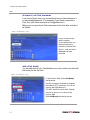
Press Exit to clear the channel guide.
If you don’t exit, the Guide window will time out after a few
moments of inactivity.
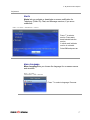
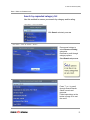
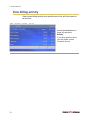
Channel Guide shows programming and a description of the selected program.
6