1
PlotWorks 5.5 User Guide • Print-to-Queue • 12-13
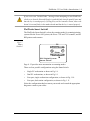
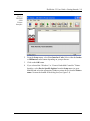
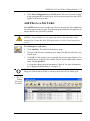
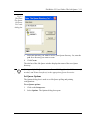
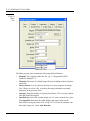
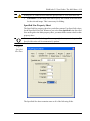
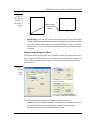
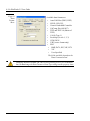
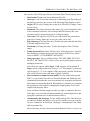
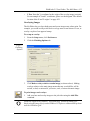
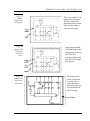
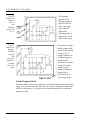
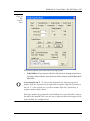
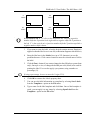
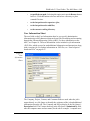
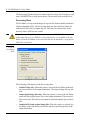
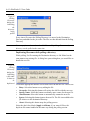
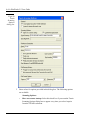
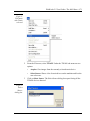
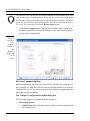
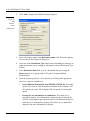
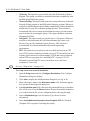
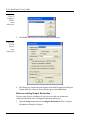
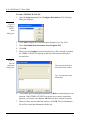
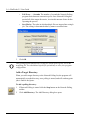
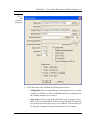
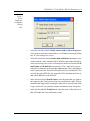
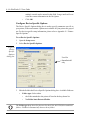
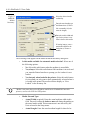
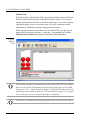
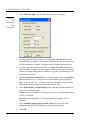
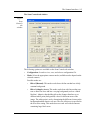
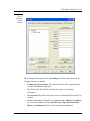
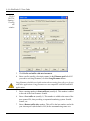
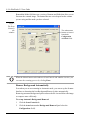
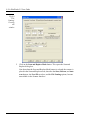
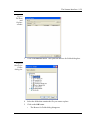
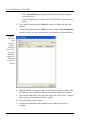
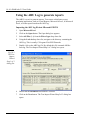
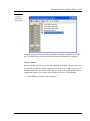
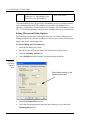
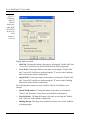
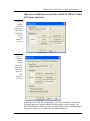
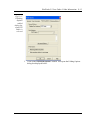
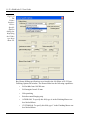
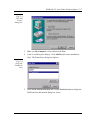
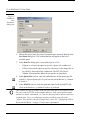
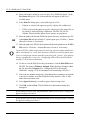
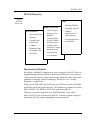
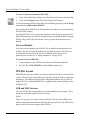
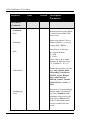
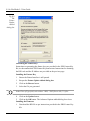
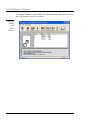
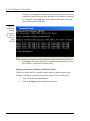
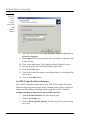
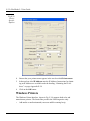
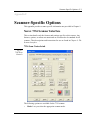
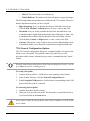
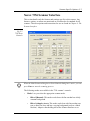
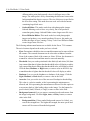
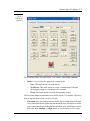
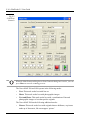
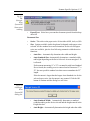
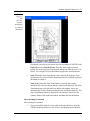
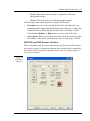
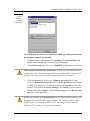
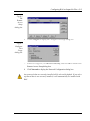
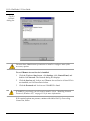
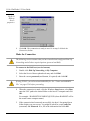
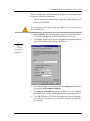
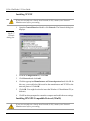
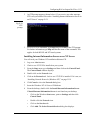
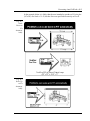
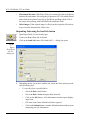
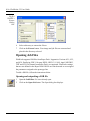
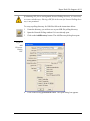
Fig 12.12
Connect
to Printer
dialog box
5.
6.
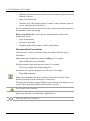
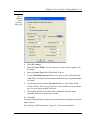
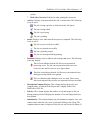
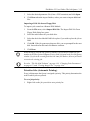
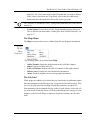
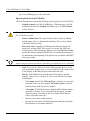
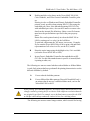
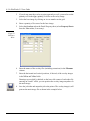
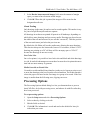
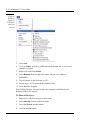
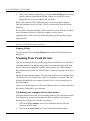
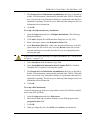
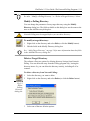
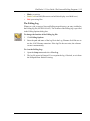
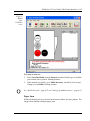
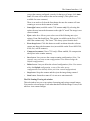
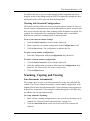
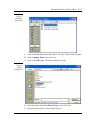
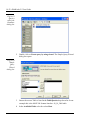
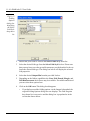
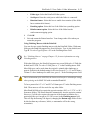
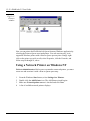
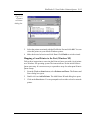
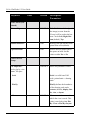
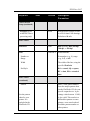
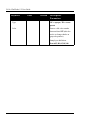
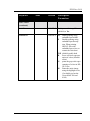
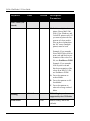
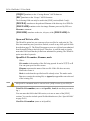
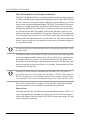
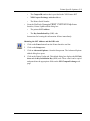
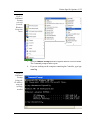
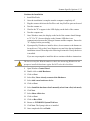
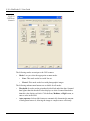
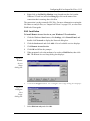
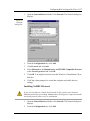
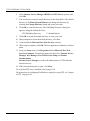
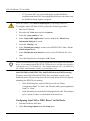
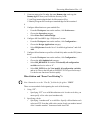
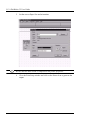
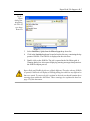
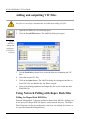
Select the printer associated with the PlotWorks Port and click OK. You can
select this printer as your default Windows printer.
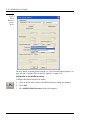
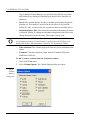
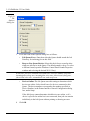
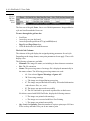
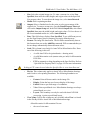
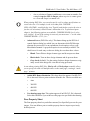
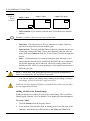
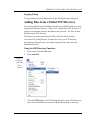
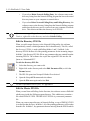
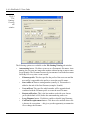
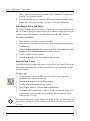
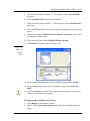
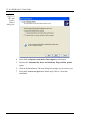
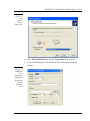
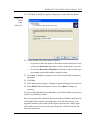
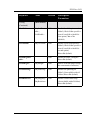
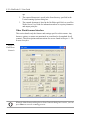
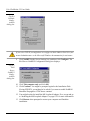
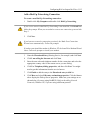
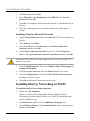
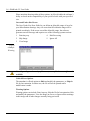
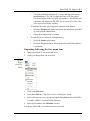
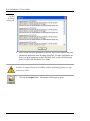
Make the desired selection and click Next. Click Finish to exit the wizard.
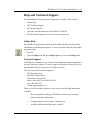
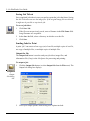
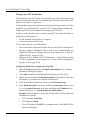
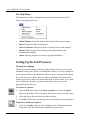
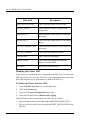
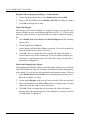
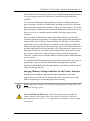
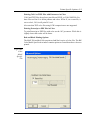
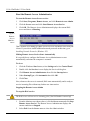
Mapping a Local Printer to the Port (Windows XP)
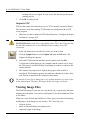
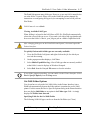
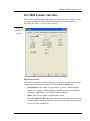
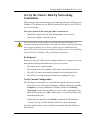
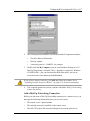
Follow these instructions to associate the Print-to-Queue port with a local printer
on a Windows XP operating system.The instructions are for the initial Print-toQueue port setup. It is not necessary to repeat these steps for subsequent Print-toQueue setups.
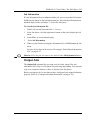
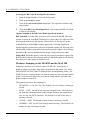
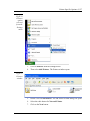
1.
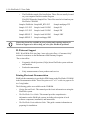
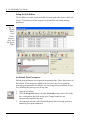
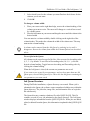
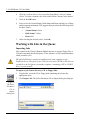
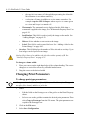
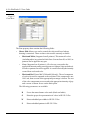
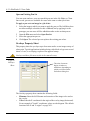
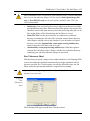
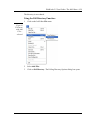
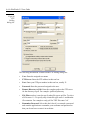
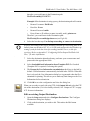
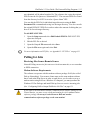
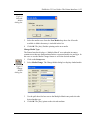
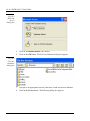
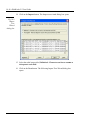
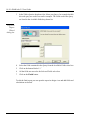
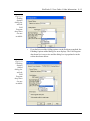
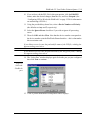
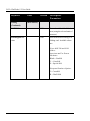
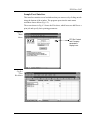
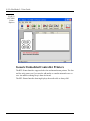
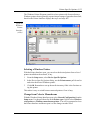
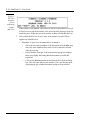
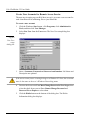
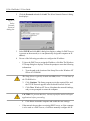
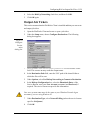
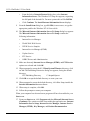
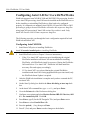
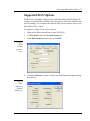
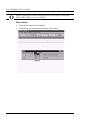
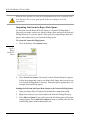
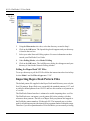
From the Windows Start button, select Printers and Faxes. The Printers and
Faxes dialog box opens.
2.
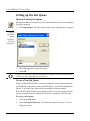
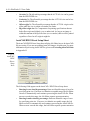
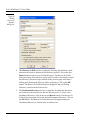
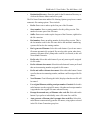
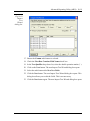
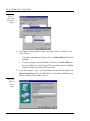
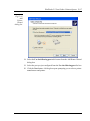
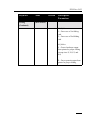
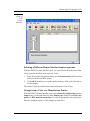
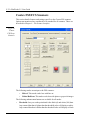
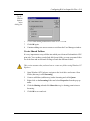
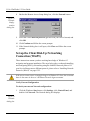
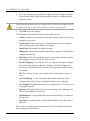
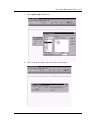
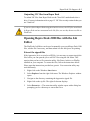
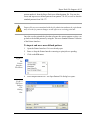
Double-click on Add a Printer. The Add Printer Wizard dialog box opens.
3.
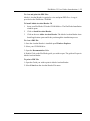
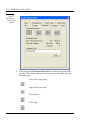
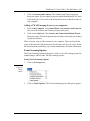
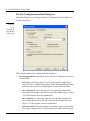
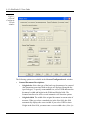
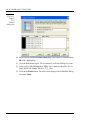
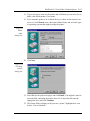
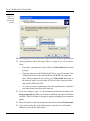
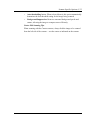
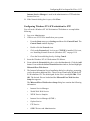
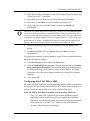
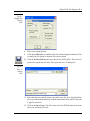
Click on the Next button. You are prompted to select either a local or network
printer.