1
4-44 • PlotWorks 5.5 User Guide
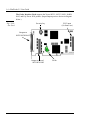
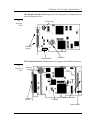
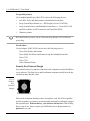
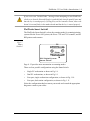
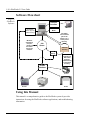
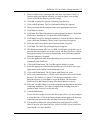
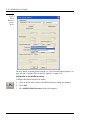
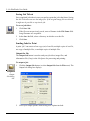
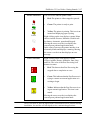
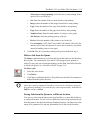
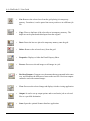
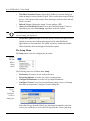
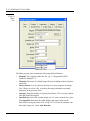
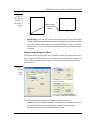
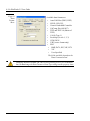
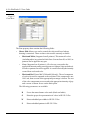
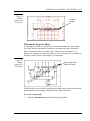
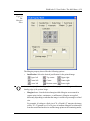
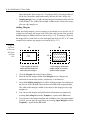
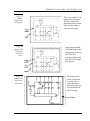
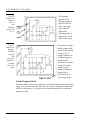
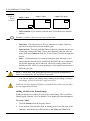
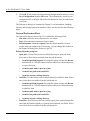
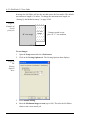
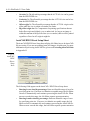
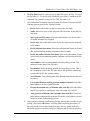
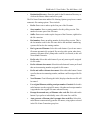
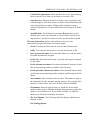
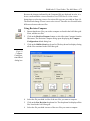
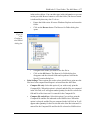
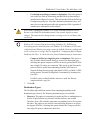
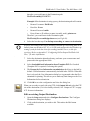
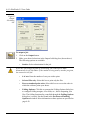
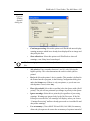
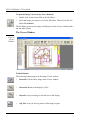
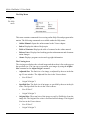
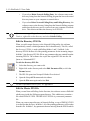
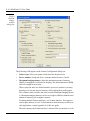
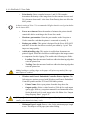
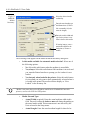
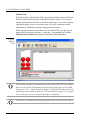
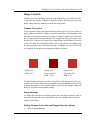
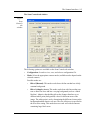
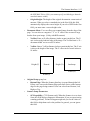
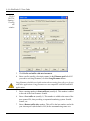
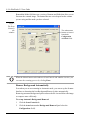
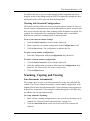
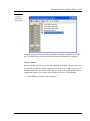
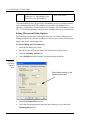
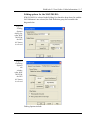
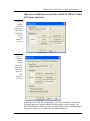
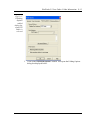
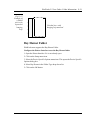
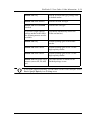
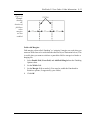
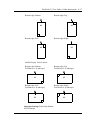
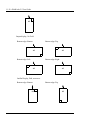
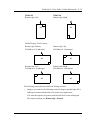
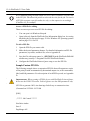
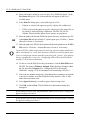
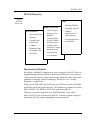
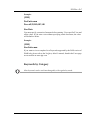
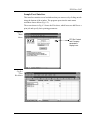
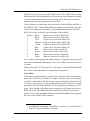
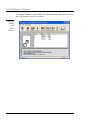
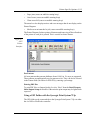
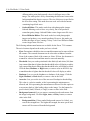
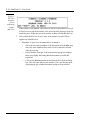
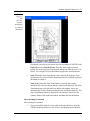
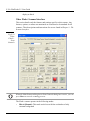
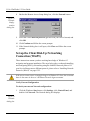
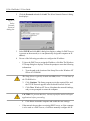
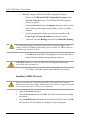
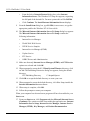
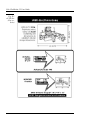
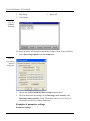
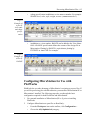
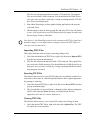
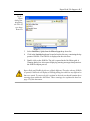
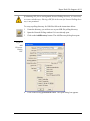
Fig 4.31
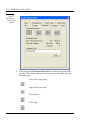
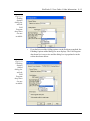
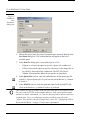
Label
location
Large X value
Large X &Y value
Large Y value
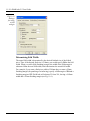
Label
Label
Label
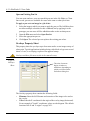
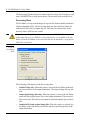
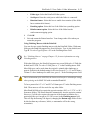
•
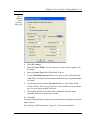
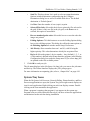
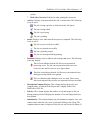
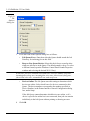
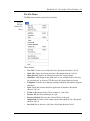
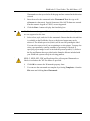
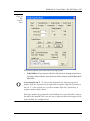
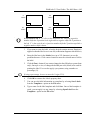
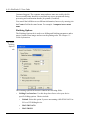
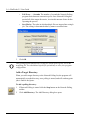
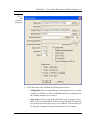
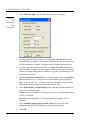
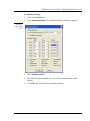
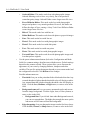
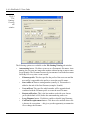
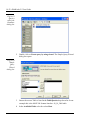
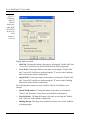
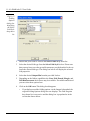
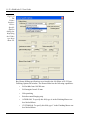
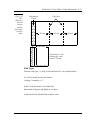
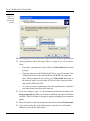
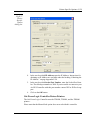
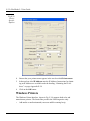
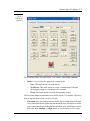
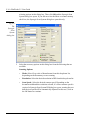
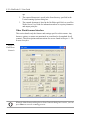
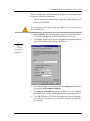
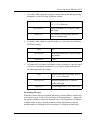
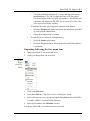
Label rotation: If you want to rotate the label, select the desired rotation
amount.
Rotation is relative to the lower-left corner of the label.
•
•
•
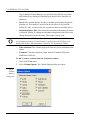
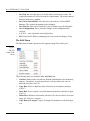
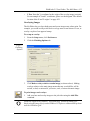
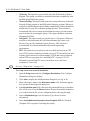
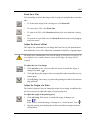
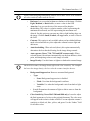
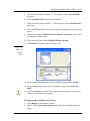
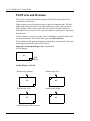
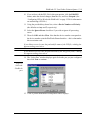
Label text: You can enter up to 255 text characters in a label. Label text
consists of a single line across the medium page.
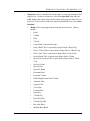
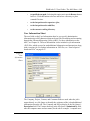
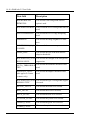
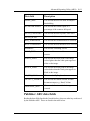
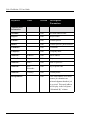
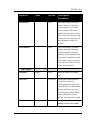
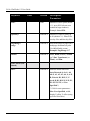
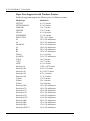
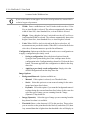
Label macros: These are predefined macros that help automate the process
of entering common label data. Click a macro button to enter the selected
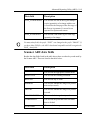
macro field in the Label text field. See “Label Control” for a list of supported
macros.
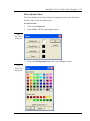
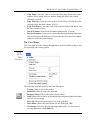
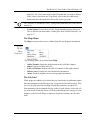
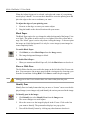
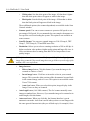
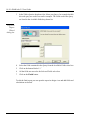
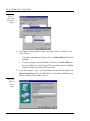
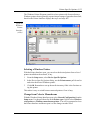
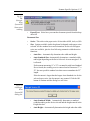
Font...: Click this button if you want to change the font, font style or size.
Ensure that the selected font is available on the PlotWorks server otherwise
the desired output may not be achieved. Labels are usually printed in the
default pen color, black, if you are printing to a color printer you can select a
different pen color.
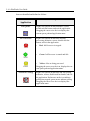
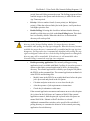
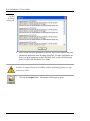
HPGL/2, HPGL-RTL, PDF and PostScript files will not print Watermarks or
Labels in red unless the "M" Pen Macro is specified.
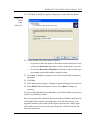
You can also apply a pen pattern, using a number or percentage. If using a
percentage, be sure to enter the % sign (as in 35%)
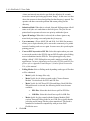
PlotWorks currently supports Windows system fonts only. Other true type fonts
are not supported at this time.
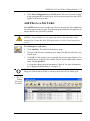
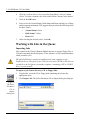
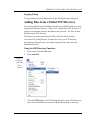
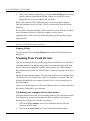
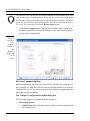
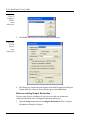
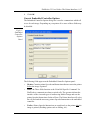
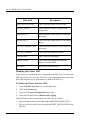
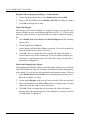
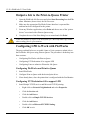
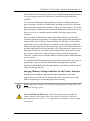
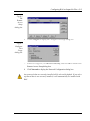
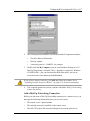
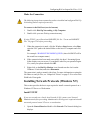
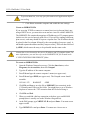
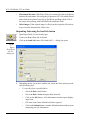
Adding a Label to the Printed Image
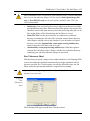
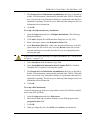
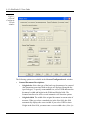
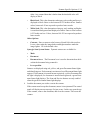
PlotWorks allows you to add a job label to the printed image. This is useful for
identifying the filename, job or set number, or for displaying client information.
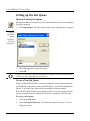
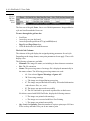
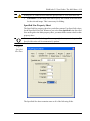
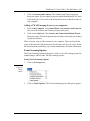
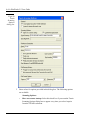
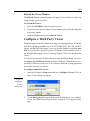
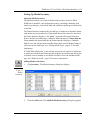
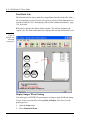
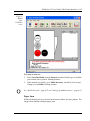
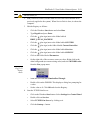
To create a label:
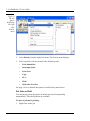
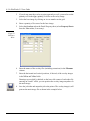
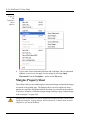
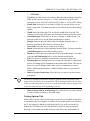
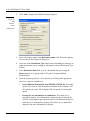
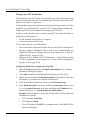
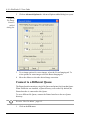
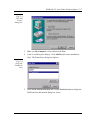
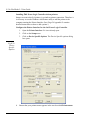
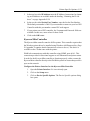
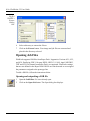
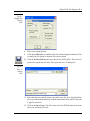
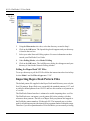
1.
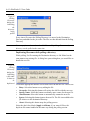
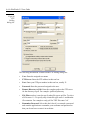
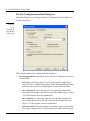
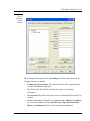
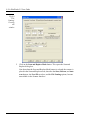
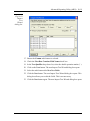
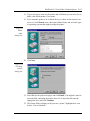
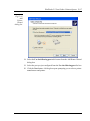
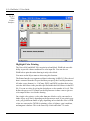
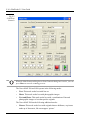
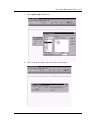
Click the Labels tab on the Property Sheets.
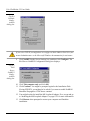
2.
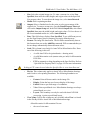
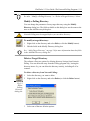
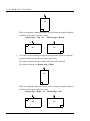
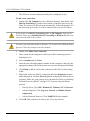
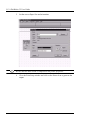
If you want to offset the label from its starting point (lower-left edge of the
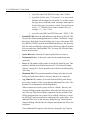
medium), enter the desired offset amount in the X Pos and Y Pos fields.