1
ON
Digital Projection HIGHlite
USING THE MENUS
Laser 3D Series POWER
Operating Guide
|
Using The Menus
ON
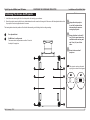
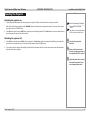
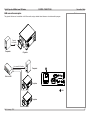
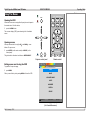
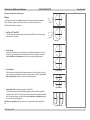
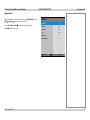
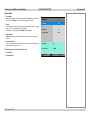
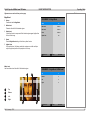
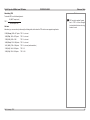
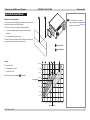
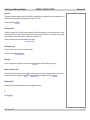
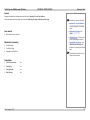
Opening the OSD
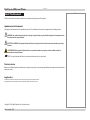
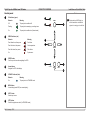
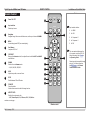
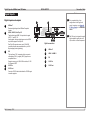
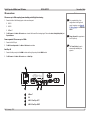
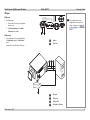
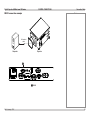
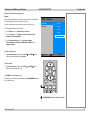
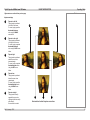
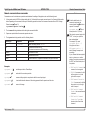
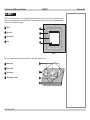
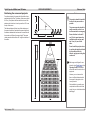
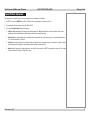
Access the various menus using either the projector control panel or
the remote control. On either device,
•
OFF
Notes
SOURCE
MENU
ERROR
1
2
3
4
PIC
MUTE
6
press the MENU button.
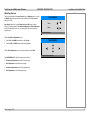
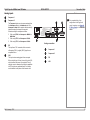
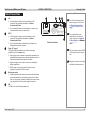
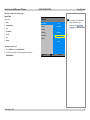
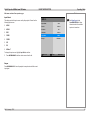
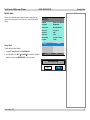
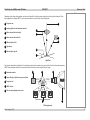
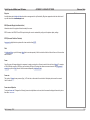
The on-screen display (OSD) opens showing the list of available
menus.
ENTER
ENTER
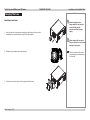
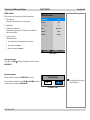
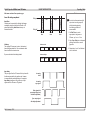
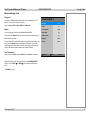
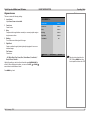
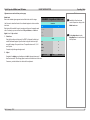
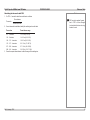
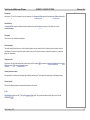
Opening a menu
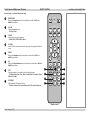
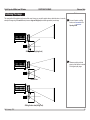
Move up and down the list using the UP
buttons. To open a menu,
•
and DOWN
arrow
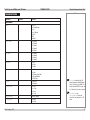
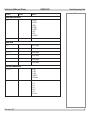
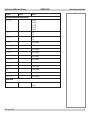
This guide refers to the above two buttons as ENTER/SELECT.
USER MEMORY
STANDBY
STBY
A
INPUT
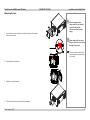
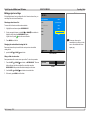
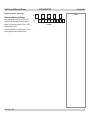
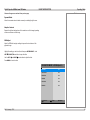
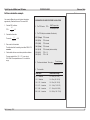
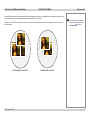
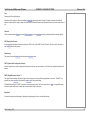
To go back to the previous page,
GAMMA
O-SCAN
NR
BRI-C
C-TEMP
TEST
2D/3D
3D
SWAP
3D
FORMAT
MAIN
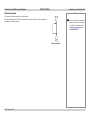
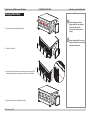
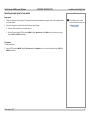
When you reach the top level, pressing MENU will close the OSD.
C
SHARP
Exiting menus and closing the OSD
press MENU.
B
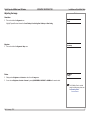
Remote control
Projector control panel
•
ASPECT
RATIO
MENU
press ENTER (on the remote control) or SELECT (on the
control panel).
IMAGE
ADVANCED IMAGE
LASER
ALIGNMENT
CONTROL
SERVICE
Select Item
[Enter] Submenu
[Menu] Exit
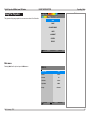
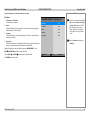
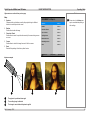
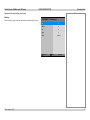
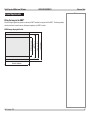
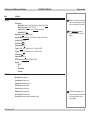
On-screen display (OSD): top level
(list of available menus)
Rev A January 2014
31