1
iSource User Manual for Suppliers - Version 14.07.1.0
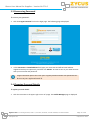
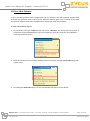
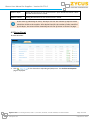
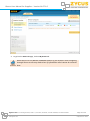
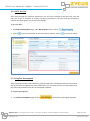
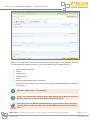
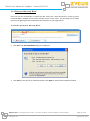
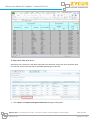
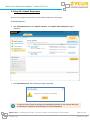
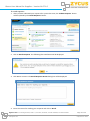
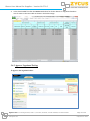
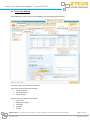
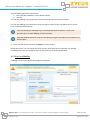
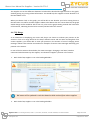
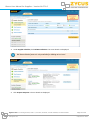
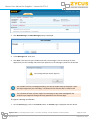
2. Click on Browse to locate the file, and once the file is located, click on Upload to upload the
excel file in iSource.
This option is used only to upload the excel document and fill responses for nonpricing questions only.
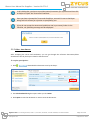
While preparing your responses offline (in Excel), please make sure that you prepare
responses for all the sections and then you import the excel file back into iSource.
At the time of importing the excel file back into iSource, please make sure you are
uploading the correct file.
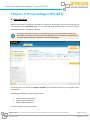
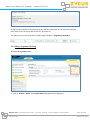
5.3.4 Export & Importing Item Table
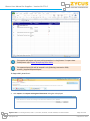
This feature is useful in order to export the item table in Excel format and get it reviewed from
others and also to facilitate to review of responses. It can be also used in order to have a copy of the
item table to take others input before filling in the details. Users can export the Item Table to
Microsoft Excel 2007 format (.xlsx) to prepare response offline in the Excel file itself, and once the
responses are prepared, the same Excel file can be imported back into iSource.
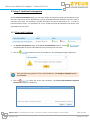
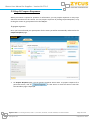
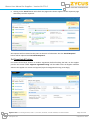
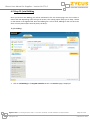
To Export Item Table to Excel:-
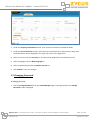
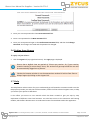
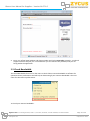
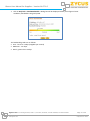
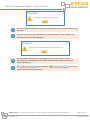
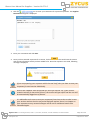
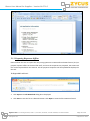
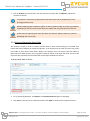
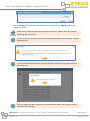
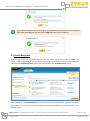
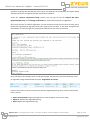
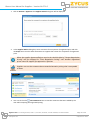
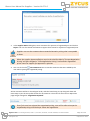
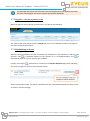
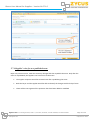
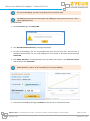
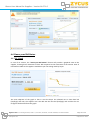
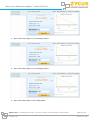
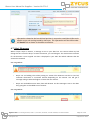
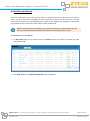
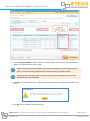
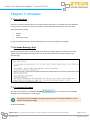
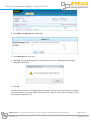
1. For a Lot/Pricing Question, click Export. The File Download dialog box is displayed.
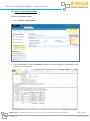
2. Click Save to save the file to a desired location. Click Open to view the file in Microsoft Excel.
ZycusTM Inc.: 103 Carnegie Centre, Suite 117, Princeton, NJ 08540, Tel: 609-799-5664, Fax: 609-799-6047
Page 34 of 68
www.zycus.com
© ZycusTM Inc. 2014



![Comité international «LE BROUILLON DE DISCUSSION» [v1.0]](http://vs1.manualzilla.com/store/data/006427750_1-98d4cf7e9ae9eae2ca262dfaece03607-150x150.png)