1
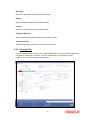
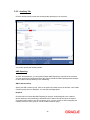
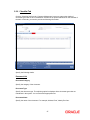
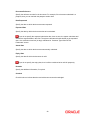
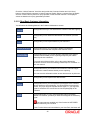
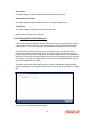
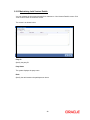
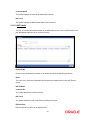
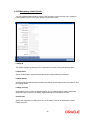
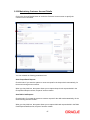
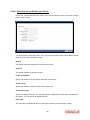
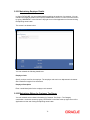
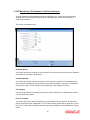
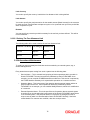
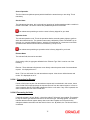
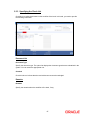
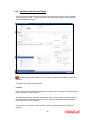
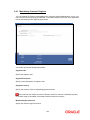
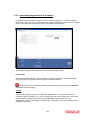
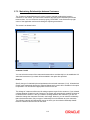
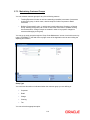
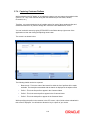
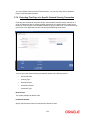
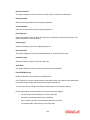
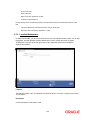
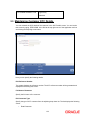
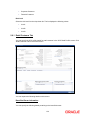
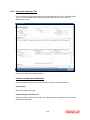
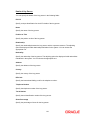
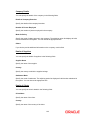
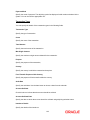
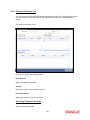
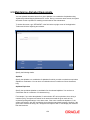
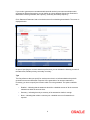
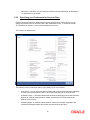
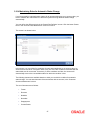
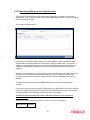
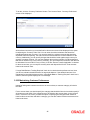
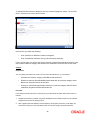
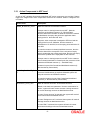
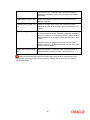
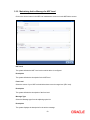
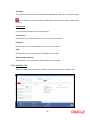
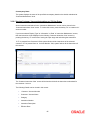
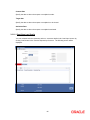
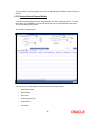
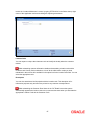
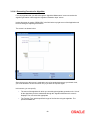
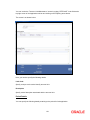
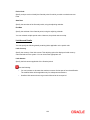
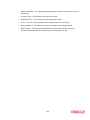
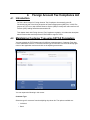
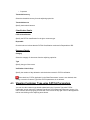
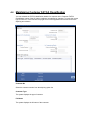
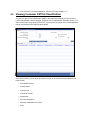
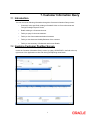
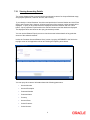
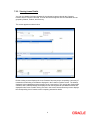
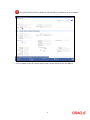
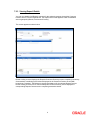
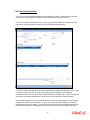
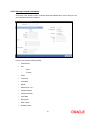
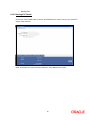
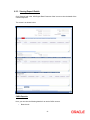
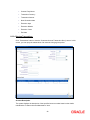
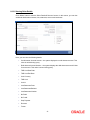
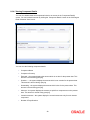
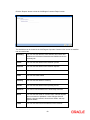
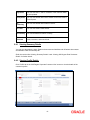
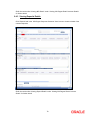
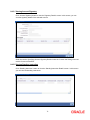
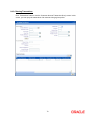
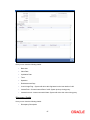
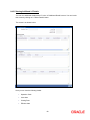
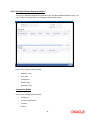
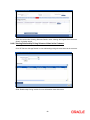
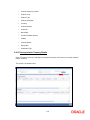
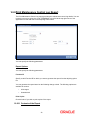
You need to specify the following basic details of the customer: Type You have to indicate the Type to which the customer whose details you are capturing belongs. The options available are: Individual Corporate Bank To recall, if a customer record is created from an external Siebel CRM application after a successful upload into Oracle FLEXCUBE, the ‘CRM Customer’ flag gets checked after the upload. You can however, uncheck the same when you unlock such a record and make changes. When you unlock such a record, system throws up an override stating that the customer is a CRM customer and asks whether you want to continue modifying the record. If you confirm the same, Oracle FLEXCUBE allows you to make changes. If you choose to ignore, the original record is saved. Customer No The customer code is the code you assign to identify a customer. It is referred to as the customer CIF Number. This code should be unique across branches. It can be 9-characters long. Example Assign a code using a maximum of 9 characters, alphanumeric. For example, assume your customer is DOW Corporation, US. You can assign him a code, which could either, be a number representing the customer’s serial number or an alphabetic code like DowCorp or an alphanumeric code like Dow1000US or DowUS1000 / 1000DowUS, if he is the 1000th customer to approach your bank. Full Name Specify the complete name of the customer in this field. Short Name Along with the Customer Code you have to capture the customer’s abbreviated name. The description that you capture is unique for each customer. It helps in conducting a quick alphasearch or generating queries regarding the customer. Enter the abbreviated name of the customer using a maximum of 20 characters, alphanumeric. Taking the same example, assume your customer is DOW Corporation. Its short name could be DOWCORP. At the time of processing of transactions (and in any activity which requires entry of the customer identification), in addition to the customer code, the short name of the customer that you enter here will be available in the options list from which the customer is selected. Branch Code Specify the code of the corresponding branch. 2









































































































































































![Forms [packet] specific to Licensed Child Care](http://vs1.manualzilla.com/store/data/005750447_1-ace0dbf587046d14d311f9d21e5da3df-150x150.png)