1
TV
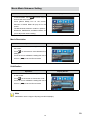
Ensure that the appropriate TV standard of your area is selected – either NTSC or PAL.
Wrong TV system setting may cause image flicker.
NTSC standard: USA, Canada, Japan, South Korea and Taiwan etc.
PAL standard: UK, Europe, China, Australia, Singapore and Hong Kong etc.
Operation
Display Screen
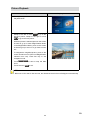
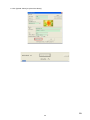
1. In Setting submenu, touch [TV] on the screen.
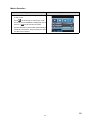
2. Touch
on the screen to choose NTSC(60Hz)
or PAL(50Hz).
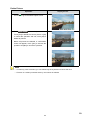
3. Touch OK icon to validate the setting then touch
exit icon (
) to back to Record mode.
Language
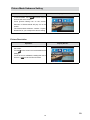
Use this option to select the language of user interface which you want.
Operation
Display Screen
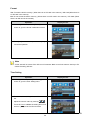
1. In Setting submenu, touch [Language] on the
screen.
2. Touch
on the screen to choose the language
options.
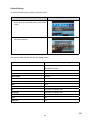
3. Touch OK icon to validate the setting then touch
exit icon (
) to back to Record mode.
25
EN