1
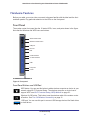
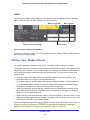
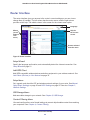
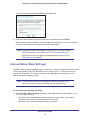
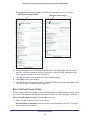
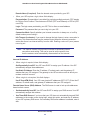
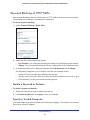
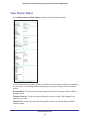
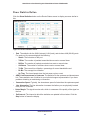
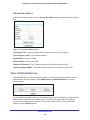
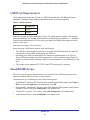
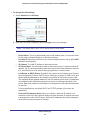
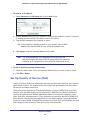
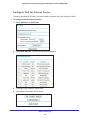
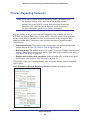
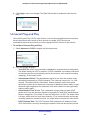
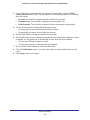
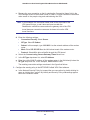
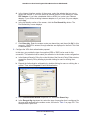
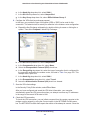
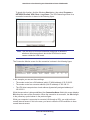
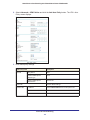
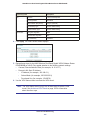
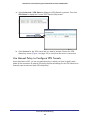
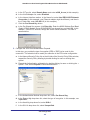
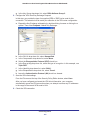
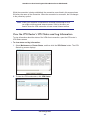
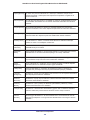
N600 Wireless Dual Band Gigabit VDSL2 Modem Router DGND3800B Maintenance Menu Administer and maintain your router and network. See Chapter 5, Network Maintenance. Advanced Menu Set the router up for unique situations such as when remote access by IP or by domain name from the Internet is needed. See Chapter 7, Advanced Settings. Using this menu requires a solid understanding of networking concepts. Advanced – VPN Menu Set up secure encrypted communications. See Chapter 8, Virtual Private Networking. Using this menu requires a solid understanding of networking concepts. Web Support Go to the NETGEAR support site to get information, help, and product documentation. These links work once you have an Internet connection. Setup Wizard You have to log in to the modem router to set the country, language, and Internet connection. To use the Setup Wizard: 1. Select Setup Wizard from the top of the router menus to display the following screen: 2. Select your country and language: • Country. It is important to specify the location where the modem router operates so that the Internet connection works correctly. The default is Germany. • Language. The default is English. You can select another language if you prefer. 3. Select either Yes or No, I want to configure the Router myself. If you select No, proceed to Manual Setup (Basic Settings) on page 22. 4. If you selected Yes, click Next. Router Internet Setup 21