1
Downloading and Running Exams from a USB storage device
Through the SecureClient Admin console there is the facility to package up the SecureClient to a USB
storage device (i.e. a memory stick) so you can then download exams to the USB device, travel to
another location, connecting the USB device to a computer there and run the exams.
Download SecureClient to a USB Storage Device
To do this, you’ll need a USB storage device and a computer with SecureClient installed.
•
•
Plug the USB storage device into the computer and allow it time to be recognised and any
necessary drivers installed by the operating system.
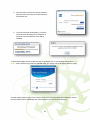
Run SecureClient as normal and then log in to the SecureClient Admin Console.
•
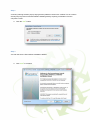
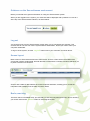
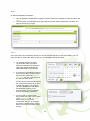
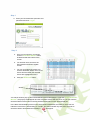
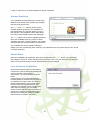
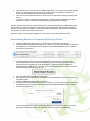
Click the Prepare Memory Stick button:
•
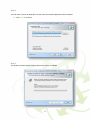
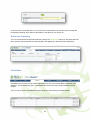
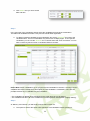
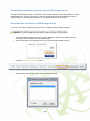
When clicked, this prompts for the memory stick drive location.
28