1
Chapter 4: Using the Hydroshear Plus Software
4.5.3
CURRENT PUMP VOLUME
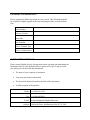
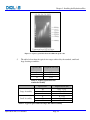
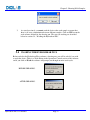
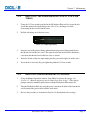
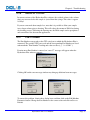
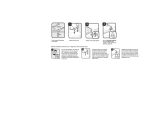
This box displays the volume of liquid (in µl) currently in the syringe. In the examples
shown below, the pump volume is 50 µl.
4.5.4
CURRENT VALVE POSITION
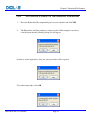
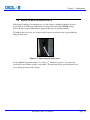
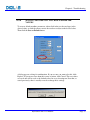
This box displays the valve that is currently open. In the example shown below,
Valve #1 is open.
4.6
MACHINE PARAMETERS
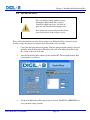
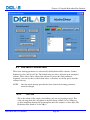
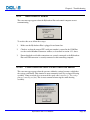
Several machine parameters that are determined and set at Digilab can be adjusted in the
Machine Parameters window. New default values can be specified, or the saved default
values or factory-set values can be restored. Do not adjust these parameters unless
instructed to do so by Digilab. If Digilab suggest that these changes be made, an
explanation of the Machine Parameters can be found in “Section 8.3 Software error
Messages
Hydroshear Plus User Manual
Page 50