1
Chapter 6: Manual Operation
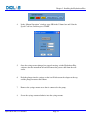
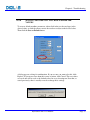
Volume:
This box allows users to enter a volume that will be either aspirated into or expelled from the
Hydroshear Plus syringe. A positive value will cause fluid or air to be drawn into the syringe.
To expel a certain volume from the syringe, precede the value with a negative (-) sign.
Speed Code:
The speed code can range from 0 to 40, with an increasing speed code value corresponding
with a decreased plunger speed. A speed code of 0 (not recommended for actual shearing
runs) results in the fastest speed (1.2 seconds per stroke), while a speed code of 40 results in
the slowest speed (600 seconds per stroke).
Valve Position:
The valve position choices are Input, Output, Wash 1, Wash 2, and Wash 3 & Closed. If the
Volume setting is a positive value, then liquid will be aspirated from the respective setting. If
the volume setting is negative then the liquid will be dispensed to the respective setting.
Start button:
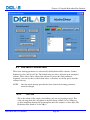
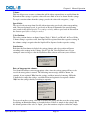
Each time the Start button is clicked, the syringe plunger and valve position will move
according to the settings in the Volume, Speed Code and Valve Position boxes. If you
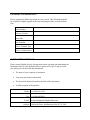
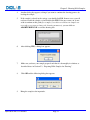
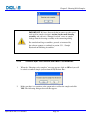
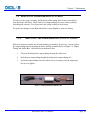
attempt to enter too large a value the Hydroshear Plus software will warn you as follows:
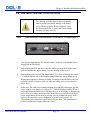
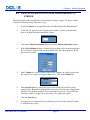
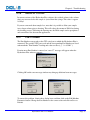
Entry of inappropriate volumes:
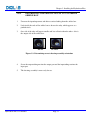
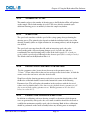
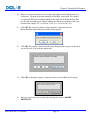
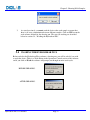
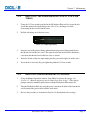
Care should be taken to enter an appropriate value, since the syringe pump will have to be
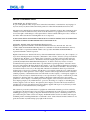
reset if the wrong value is entered. The following error message would be shown, for
example, if you aspirated 300µl into the syringe, and then, instead of entering -300 in the
Volume box to empty the syringe, you clicked Start and again tried to aspirate a further
300µl into the syringe, thereby exceeding its capacity:
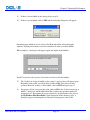
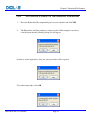
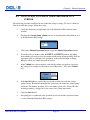
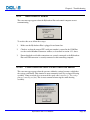
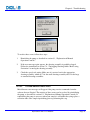
To recover from these errors, click OK to dismiss this dialog and then reset the syringe pump
by clicking on Reinitialize Pump, as described above. If there is sample in the syringe, and
the default position of the valve is “Input”, place the container at input to collect the sample.
Hydroshear Plus User Manual
Page 61