1
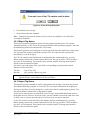
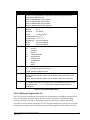
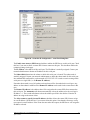
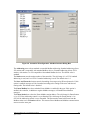
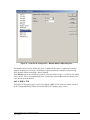
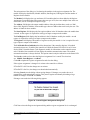
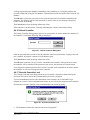
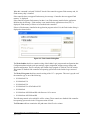
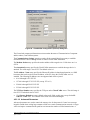
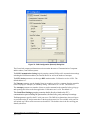
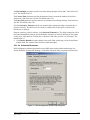
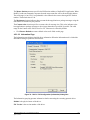
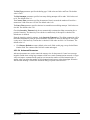
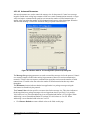
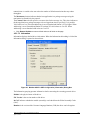
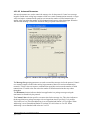
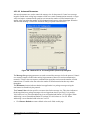
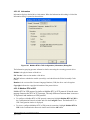
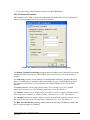
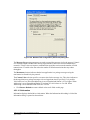
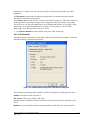
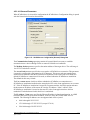
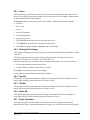
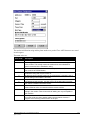
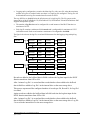
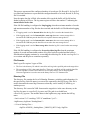
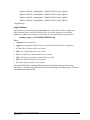
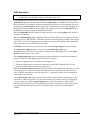
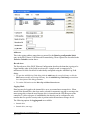
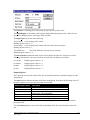
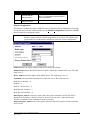
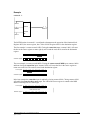
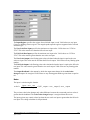
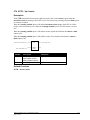
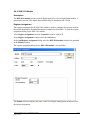
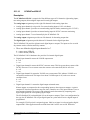
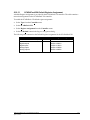
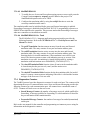
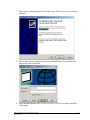
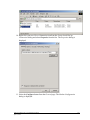
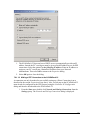
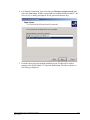
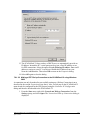
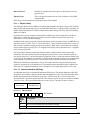
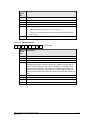
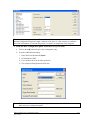
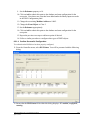
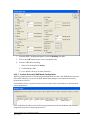
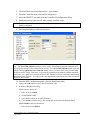
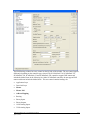
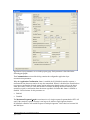
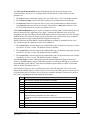
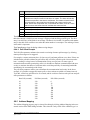
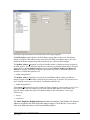
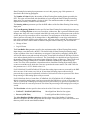
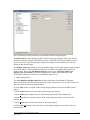
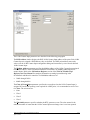
13. The SCADAPack 32 does not have a DHCP server to automatically provide an
IP address. Instead the PC‟s serial port must be given a fixed IP address to use
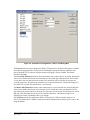
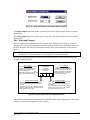
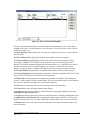
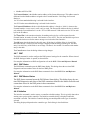
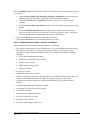
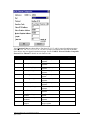
for PPP connections. Select the option Use the following IP address. Enter an IP
address to assign to your PC‟s serial port. Obtain this IP address from your
Network Administrator. Then select OK to return to the Properties dialog.
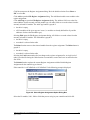
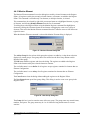
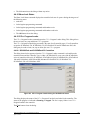
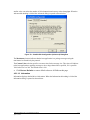
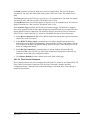
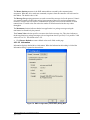
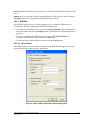
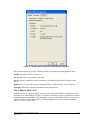
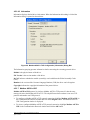
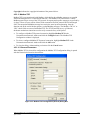
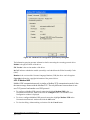
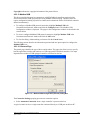
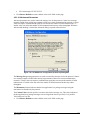
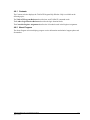
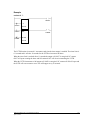
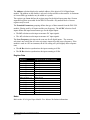
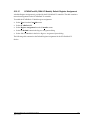
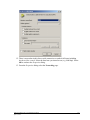
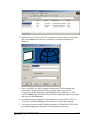
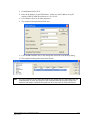
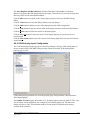
14. Select OK again to close the dialog.
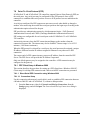
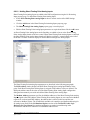
7.8.1.2.2 Making a PPP Dial-up Connection to the SCADAPack 32 using Windows
2000
A connection can only be made after successfully setting up a Dial-up Connection icon as
described in the section Connection Setup above. Also, a serial port on the SCADAPack 32
must already be configured for the PPP protocol using the Controller IP Configuration
dialog and must be downloaded to the SCADAPack 32.
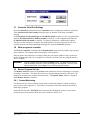
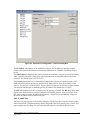
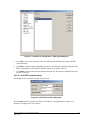
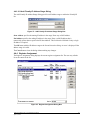
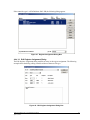
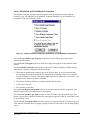
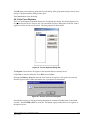
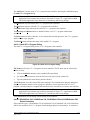
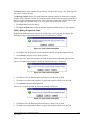
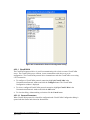
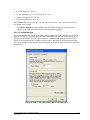
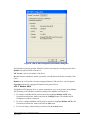
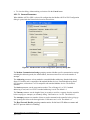
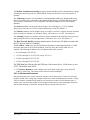
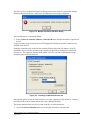
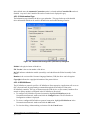
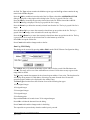
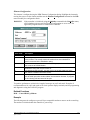
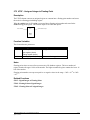
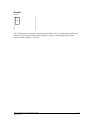
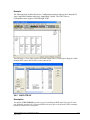
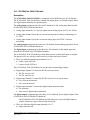
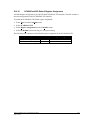
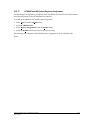
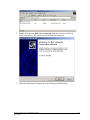
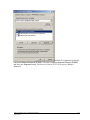
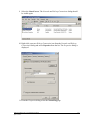
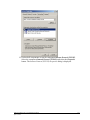
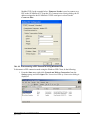
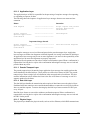
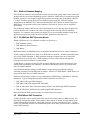
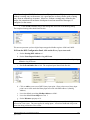
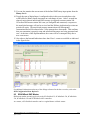
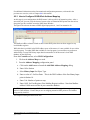
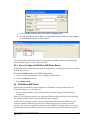
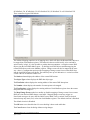
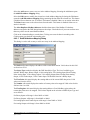
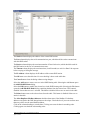
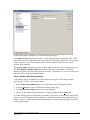
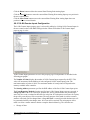
1. From the Start menu, right click Network and Dial-up Connections from the
Settings group, and select Open. The Network and Dial-up Connections dialog is
displayed.
TelePACE Ladder Logic User and Reference Manual
April 24, 2008
595