1
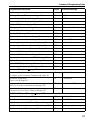
Main Configurations
Step by Step
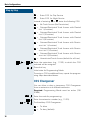
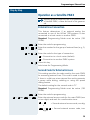
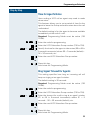
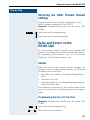
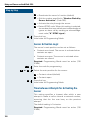
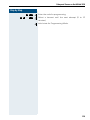
Enter the next extension number
or
Press this key.
Initial state for Programming Mode.
#
Language
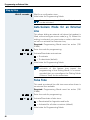
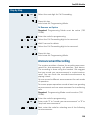
Select the desired language for displaying messages on
the system telephones. The field is updated automatically according to the selection entered in the Country
field. Note that when you change the language field the
country field is not changed. It is possible, therefore, to
select a country with a different default language. For
example, Country: Brazil, Language: English.
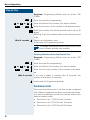
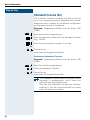
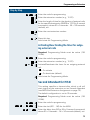
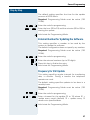
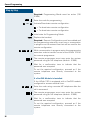
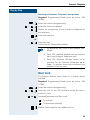
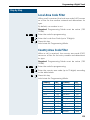
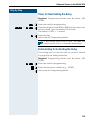
Required: Programming Mode must be active (*95
31994).
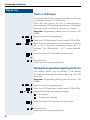
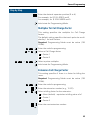
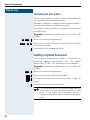
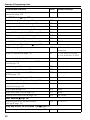
Enter the code for programming.
6 4
...
0
4
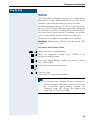
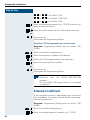
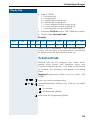
Select the language for displaying messages.
0 = Custom
1 = Portuguese
2 = Spanish
3 = English (default)
4 = French
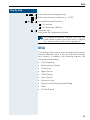
Initial state for Programming Mode.
Country/Group of Countries
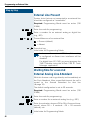
To configure the settings correctly select the country
where the system will be used.
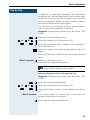
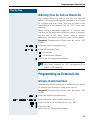
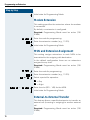
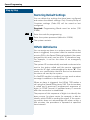
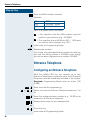
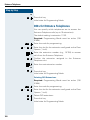
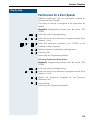
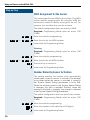
Required: Programming Mode must be active (*95
31994).
6 5
0 1
...
3 1
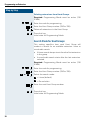
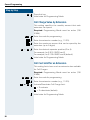
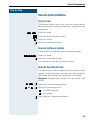
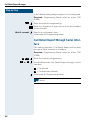
Enter the code for programming.
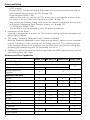
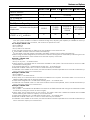
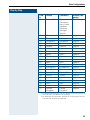
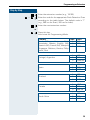
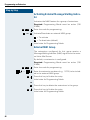
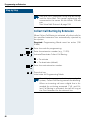
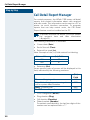
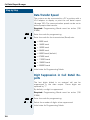
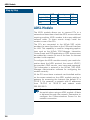
Enter the code for the country or group of countries as
shown on the table below (e.g., "03" for Portugal).
The system restarts after the change is made.
27