1
32. HOW TO SORT CLIENT
AND LOAN FIELDS
It is possible to sort client's and loan's fields on details page to enable
better customization. You can select the fields order, which is the most
suitable for your needs.
Follow steps below to sort client's or loans's fields:
1. Open client's/loan's details page.
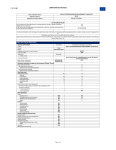
2. Click on Change fields order:
3. You will see buttons, which will enable you to sort client's/loan's
fields.
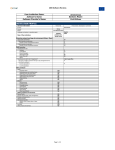
4. Click on
to move fields in right order.
5. After you sort fields as you wanted, click on Save changes.
94