1
R O T O R
C O N T R O L
D X A
1
Chapter
U S B
Setup
Driver Installation:
1.
Download
the
appropriate
driver
from
our
website:
http://www.k4jrg.org/Site/ham.nsf/RotorControlDrivers?OpenPage
2.
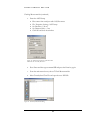
If installing the Windows driver, run and extract the downloaded file to
temporary directory (for example: c:\temp\k4jrg); you will point to this
location when prompted after plugging in the device.
3.
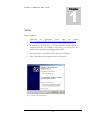
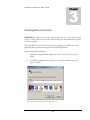
Insert the Rotor Control DXA USB connector in a USB port.
4.
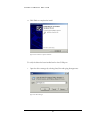
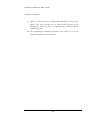
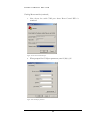
Select "Install from a list or specific location (Advanced).
Figure 1.Virtual COM Port driver installation
4